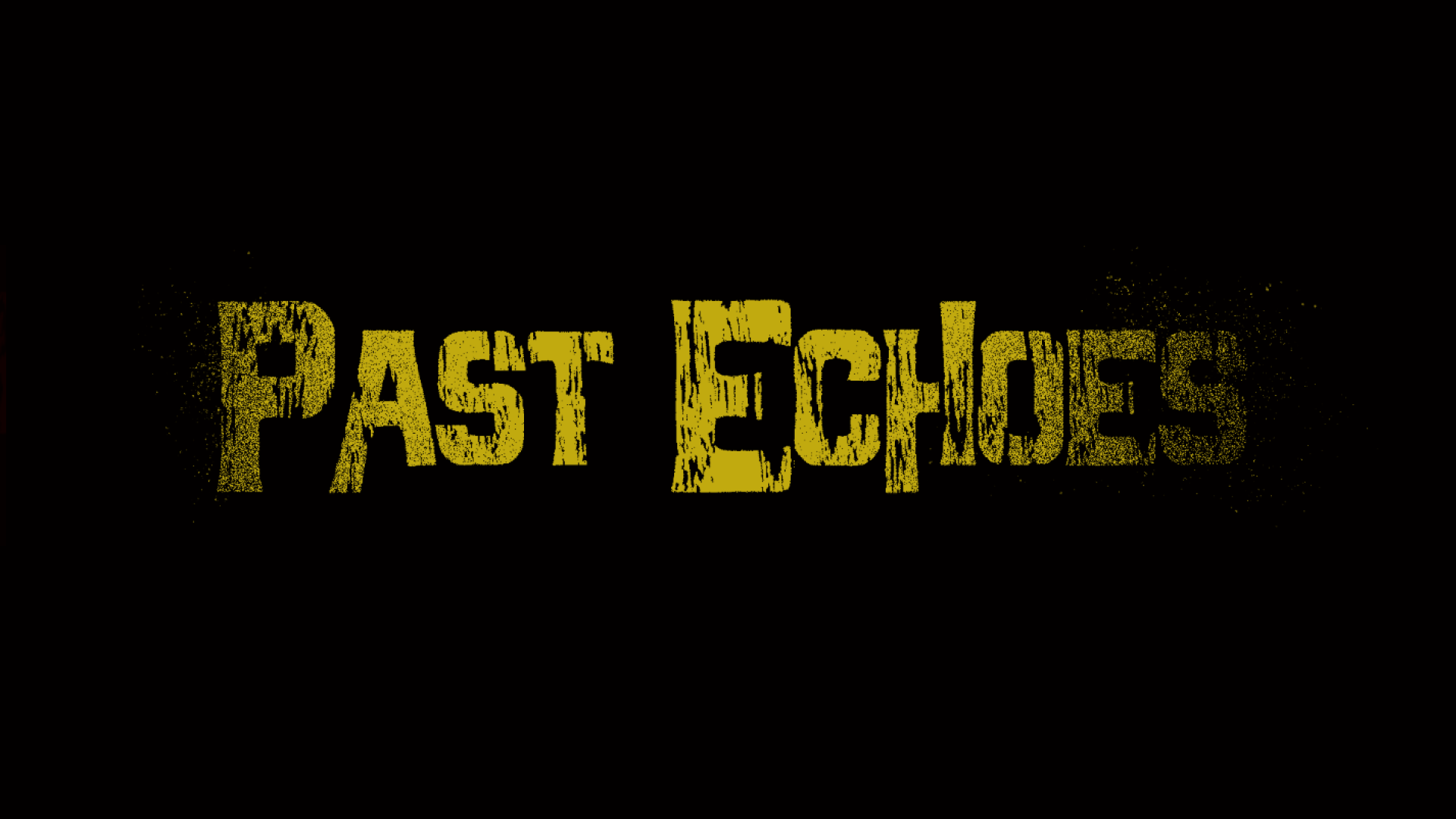

PAST ECHOES

Role: Gameplay & UI Programmer
Focus: 3D Inspection, Animated/Diegetic UI & Dynamic Doors
Year: 2025 (March - July)

UE5 BLUEPRINTS 3 👥

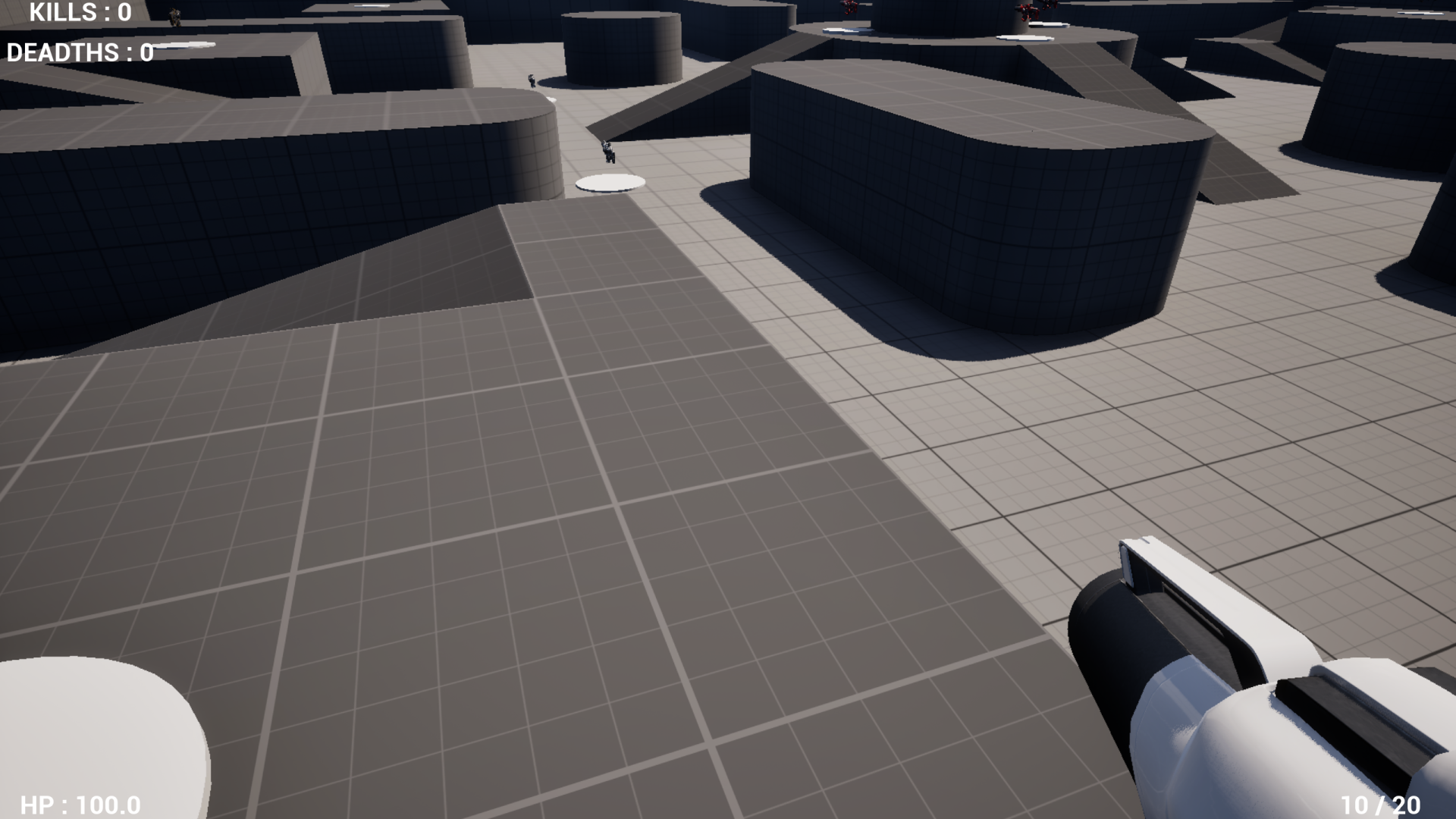
My second-year 3D university project in Unreal Engine 5—a first-person narrative puzzle and investigation game featuring a polymorphic item pickup/inspection hierarchy, a dynamic animated Main Menu, diegetic 3D interfaces, and tactile mouse-driven doors.

01. Polymorphic Item Pickup, 3D Inspection & Clue Board Hierarchy

  • Interface & Base Item Architecture (InteractInterface & BP_BaseItem): Built a parent BP_BaseItem class implementing InteractInterface (OnInteract, UI_OnInteract, FlipObject, PlaceObject). Depending on its configuration, interacting with an item either launches 3D camera inspection directly or disables physics/collision and snap-attaches the mesh to the character's hand_Socket, enabling Enhanced Input actions to inspect (IA_Inspect) or physically drop the item back into the world (IA_DropItems).
  • Flippable Clues & Investigation Whiteboard (BP_BoardItems & BP_WhiteBoard): Created the BP_BoardItems child class for letters and sticky notes—overriding parent interaction events to let players rotate clues 180° on their relative Yaw (FlipObject with a 0.5s debounce timer) to inspect hidden writing on the back before pinning them onto the investigation whiteboard (PlaceObject).
🖱️ Right-Click + Drag to Pan | Scroll to Zoom

Gameplay - Inspect Board Item

Gameplay - Pickup , Drop & Place

02. Tactile Mouse-Driven Doors & Drawers

  • Tactile Dot-Product Doors & Drawers: Replaced static "Press E" animations with physical mouse-dragged doors and drawers, calculating the Dot Product between the camera's forward vector and the door's orientation to map 2D mouse delta into clamped 3D movement.
🖱️ Right-Click + Drag to Pan | Scroll to Zoom

Gameplay — Mouse-Driven Doors & Drawers

03. Hallucination Post-Process Shader & Runtime MPC (M_HeadacheBlur)

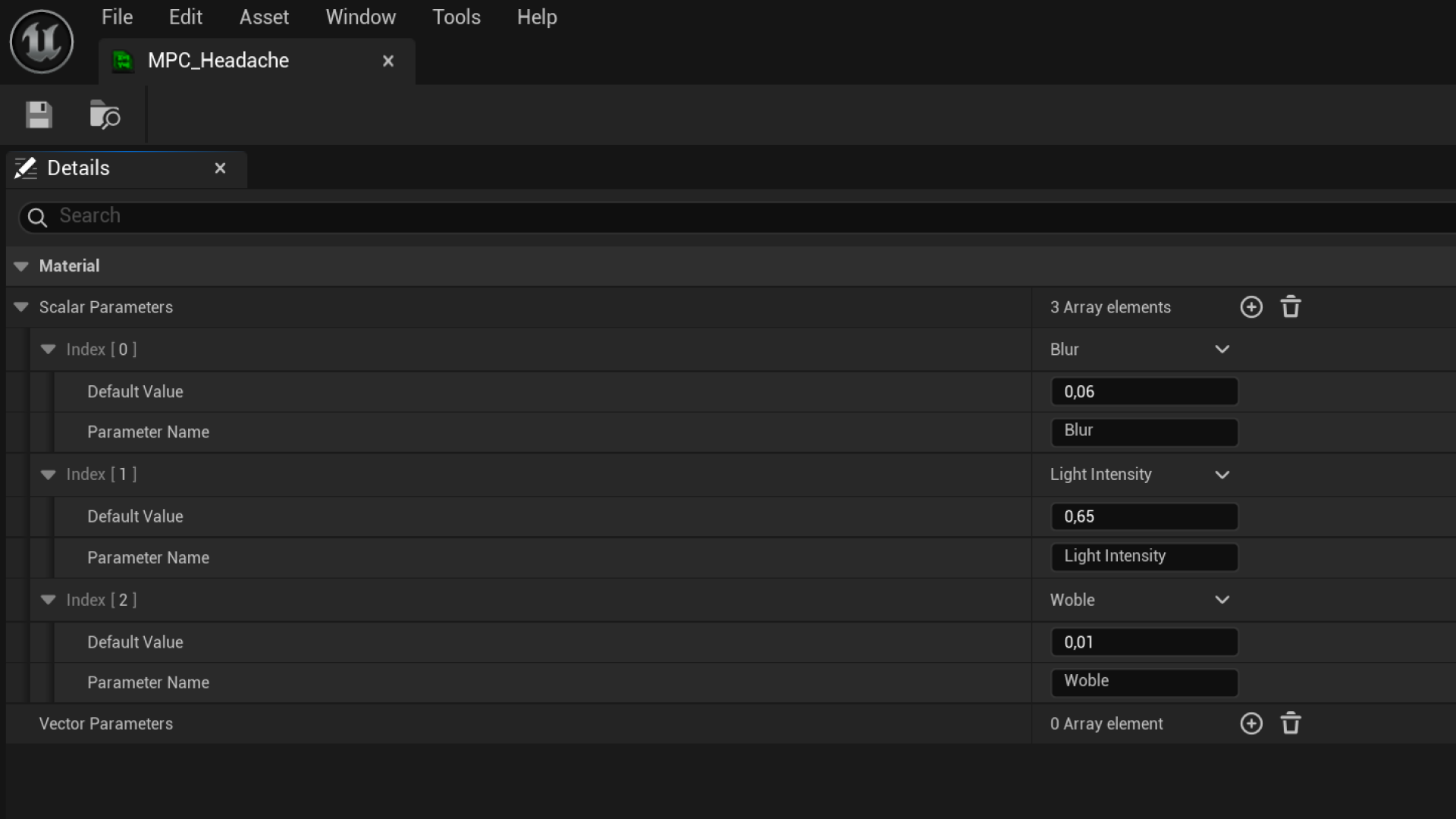
  • Trigonometric UV Screen Wobble (MPC_Headache — Woble): Built a custom post-process material driven at runtime via a Material Parameter Collection (MPC_Headache). Modulated screen UVs (TexCoord[0]) by combining asymmetric Sine(Time * 1.5) and Cosine(Time) waves scaled by the Woble parameter via AppendVector to simulate disorienting camera sway.
  • 5-Tap PostProcessInput0 Blur & Exposure Control (Blur & Light Intensity): Sampled SceneTexture:PostProcessInput0 across 5 offset UV coordinates (center + 4 horizontal/vertical offsets driven by the Blur scalar parameter), averaged the 5 samples (Divide by 5.0), and multiplied the output by Light Intensity to dynamically dim and blur the player's vision during hallucination events.
🖱️ Right-Click + Drag to Pan | Scroll to Zoom
MPC_Headache Parameters

MPC_Headache — Blur, Light Intensity & Wobble Scalars

Gameplay — Hallucination Effect

04. Diegetic 3D Terminal, Dynamic Menus & Subtitles

  • Diegetic 3D Computer UI & Input Context Switching: Embedded interactive UMG widgets directly onto a 3D monitor mesh. Interacting with the desk blends the player camera to the screen and swaps Enhanced Input Mapping Contexts (IMC) so the player can click folders and enter passwords inside the 3D world without pausing gameplay.
  • Dynamic Animated Main Menu & Context-Sensitive Reticles (WBP_InGame): Built a dynamic animated Main Menu with smooth camera/widget transitions and an in-game HUD (WBP_InGame) that reacts to raycast hits via UI_OnInteract—caching the widget reference with a DoOnce node and dynamically swapping the player's cursor texture (Change Cursor) between BaseCursor, PickUpCursor, and InspectCursor while toggling contextual action prompts.
  • DataTable-Driven Voiceover & Subtitles (WBP_Subtitles): When inspecting narrative letters in BP_BoardItems, a guarded DoOnce pipeline triggers 2D voiceover audio alongside a dynamically constructed DataTableRowHandle (SubDT_Chapter1_FirstTimeCheckingLetter) passed directly into WBP_Subtitles on spawn.
🖱️ Right-Click + Drag to Pan | Scroll to Zoom

Diegetic 3D Computer

Dynamic Main Menu
WITCH'S FOREST

Role: Gameplay & UI Programmer
Focus: First Project, 5-Spell System, AI & UI
Year: 2024 (March - June)

UNITY C# 3 👥

My first complete team game project—a 2D top-down stealth and puzzle adventure in Unity where the player collects ritual herbs and candles to unlock 5 spells, manipulate obstacles to reshape enemy A* patrol paths, and manipulate 2D lighting to evade guards.

01. First Project Foundation — OOP, Interfaces & Event-Driven Triggers

  • Abstract Base Classes & Interfaces (Interactables, IInteractable, IMovable): As my first full Unity project, I focused on avoiding hardcoded object checks by building an abstract Interactables base class and IInteractable / IMovable interfaces. All 6 herb and candle collectibles inherit shared proximity prompts, respawn timers, and light-reveal coroutines while overriding OnInteractionWithPlayer().
  • Reusable C# Event Triggers (CustomTriggers): Built a modular trigger component using C# event System.Action<Collider2D> delegates so child 2D colliders (vision cones, footstep surface zones, tree occlusion, and interaction ranges) broadcast cleanly to parent scripts.

Gameplay - Exloring & Picking Up Ingredients

02. 5-Spell System, URP 2D Light Stealth & Dynamic A* Pathfinding

  • Telekinesis (Levitation) & Live A* Grid Recalculation (Log, Box, BigRock): Players pick up, move, and rotate heavy obstacles with the mouse. Grabbing an object shifts its sorting layer to FlyingBox and slows movement; dropping it validates placement via Physics2D.OverlapBox and updates both the previous and new collider bounds on the A* Pathfinding grid (AstarPath.active.UpdateGraphs) in real time.
  • Interconnected Light & Wind Stealth Loop (PlayerSpells & Enemy): Enemy AI uses coroutine-based Physics2D.Linecast sight checks and only pursues the player while their lantern (Light2D) is active. Casting the Wind Spell extinguishes all enemy lights within range to blind guards and force them back to their spawn point, while casting the Light Spell reveals hidden herbs in the dark at the risk of alerting enemies from further away.

Gameplay - Blocking AI Sight

Gameplay - Levitation Spell

Gameplay - Light Spell

Gameplay - Wind Spell

03. Animated Grimoire Book UI, Pentagram HUD & Settings

  • Animated Book Pause Menu & Pentagram Star Progression (PausedMenu & GameManager): Synchronized pause state (Time.timeScale) with Unity Animation Events (OpenBook.cs) so the grimoire cover animates open before revealing flippable Spells, Ingredients, and Settings pages. Collecting candles lights up the 5 nodes of the Pentagram Star HUD and unlocks corresponding spell pages.
  • Radial Cooldowns, Fast-Travel Map & AudioMixer Settings (SettingsMenu & Teleport): Built coroutine-driven radial cooldown indicators (Image.fillAmount), an unlockable fast-travel Teleport map, and a Settings menu supporting dynamic Screen.resolutions detection and logarithmic AudioMixer decibel scaling (Mathf.Log10(volume) * 20f).

Gameplay - Using UI

SHOOTER MULTIPLAYER

Role: Gameplay & Network Programmer
Focus: Multiplayer FPS, Weapon Pickups & Projectile Ballistics
Year: 2024

UE5 C++ 1 👥

A 4-player networked First-Person Shooter built in Unreal Engine 5 C++ featuring dual 1st/3rd-person character meshes, a server-authoritative weapon inventory and spawner system, and 3 distinct projectile ballistics models.

01. C++ Weapon System, Polymorphic Projectiles & CDO Pickups

  • Full-Auto & Semi-Auto Weapon Base (AWeaponBase): Built a replicated C++ weapon base supporting configurable fire-rate timers (FiringTimer), magazine and reserve ammo pools (CurrentBullets, PlayerBullets), reload logic, and Server RPC projectile spawning (FireBullet_Implementation) aligned to camera control rotation.
  • 3 Polymorphic Projectile Ballistics Subclasses (AGEI_P2_FPSMPProjectile): Implemented Assault Rifle Bullets that inspect skeletal mesh bone names on impact (Hit.BoneName == "head") for instant 100.f headshot multipliers; Shotgun Pellets that calculate distance-traveled damage falloff (Damage / (DistanceTraveled / 200)); and Rocket Launcher Projectiles that apply radial splash damage (ApplyRadialDamage) and spawn explosion emitters.
  • Self-Configuring Weapon Pickups (APickUp): World pickups read the skeletal mesh and material directly from WeaponClass->GetDefaultObject<AWeaponBase>() on BeginPlay, grant the weapon (or refill ammo if the player already owns that class), and toggle visibility/collision across clients via MulticastSetPickupEnabled with a 60s respawn timer.

02. Dual 1P/3P Mesh Replication, Inventory Cycling & K/D Scoreboard

  • Dual First/Third-Person Mesh & Weapon Socket Sync (MulticastAttachWeapon): Configured a local-only arms mesh (Mesh1P) and a replicated full-body mesh (Mesh3P). Equipping or cycling weapons (ServerNextWeapon / ServerPreviousWeapon) snaps the 1P weapon mesh to GripPoint for the owner while attaching the 3P weapon mesh to Weapon_R for all other clients.
  • 4-Player Color Assignment & Kill/Death Scoreboard (AMyPlayerState): Assigned distinct player colors (White, Red, Blue, Green) via OnRep_PlayerColor and routed players to dedicated spawn tags in ChoosePlayerStart_Implementation. Tracked combat instigators (HoldInstigator) on lethal hits to increment replicated Kills and Deaths on AMyPlayerState before triggering next-tick respawns.

FIGHTING GAME

Role: Gameplay Programmer
Focus: Input-Buffered Combos & Local 2-Player Shared Screen
Year: 2024

UE5 C++ 1 👥

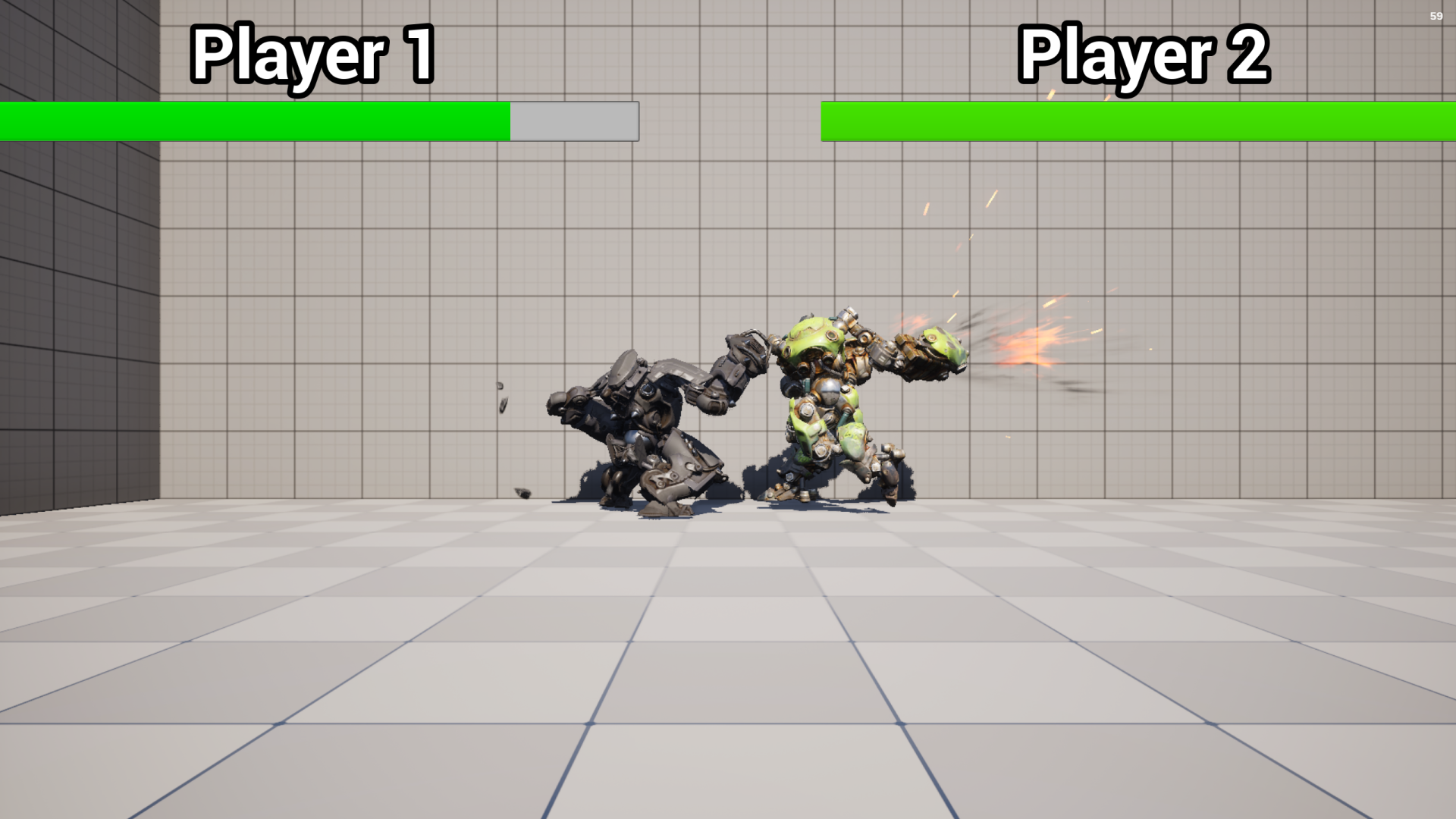
A 2-player local versus fighting game built in Unreal Engine 5 C++ featuring a 4-chain input-buffered combo system, socket-attached hand hitboxes, and a dynamic midpoint-tracking shared camera.

01. 4-Chain Input-Buffered Combo System & Socket Hitboxes

  • Input-Buffered Montage Chaining (ComboAttackSave & ResetCombo): Programmed 4 distinct multi-hit combo chains (FastComboAnim, AttackCombo2, AttackCombo3, AttackCombo4). Pressing an attack input while a montage is already active buffers the next strike (SaveCombo2 = true), which is evaluated at the Animation Notify window (ComboAttackSave) to advance AttackCount and scale finisher damage.
  • Socket Hand Hitboxes, Hit VFX & Ragdoll Knockouts: Attached USphereComponent hitboxes to hand_rSocket and hand_lSocket alongside a root HurtBox. AnimNotifies toggle hitbox collision only during active strike frames, immediately disabling collision on overlap to prevent double-hits, spawning random impact particles, and triggering ragdoll physics when Health <= 0.

02. 2 Players on Same PC — Local Controller Routing & Midpoint Camera

  • Local 2nd Player Creation & Match State Machine (AGEII_FightingGameGameMode): Spawns a second local player controller on BeginPlay via CreateLocalPlayer(1, OutError, true), assigns distinct skeletal meshes by GetControllerId(), and manages match states (ECountdown, EPlaying, EPlayerWin)—locking inputs during the 6-second intro countdown before linking each fighter's Rival reference.
  • Dynamic Midpoint Shared Camera (ACamera): Calculates half the distance between Player1 and Player2 every frame and smoothly interpolates the shared camera along the stage axis via UKismetSystemLibrary::MoveComponentTo so both fighters stay framed on one screen.

GAME ENGINE : XENON CLONE

Role: Programmer
Tech Stack: C++, OpenGL 3.3, SDL3, GLM &Box2D
Focus: Custom Engine Architecture
Year: 2025

C++ 2 👤

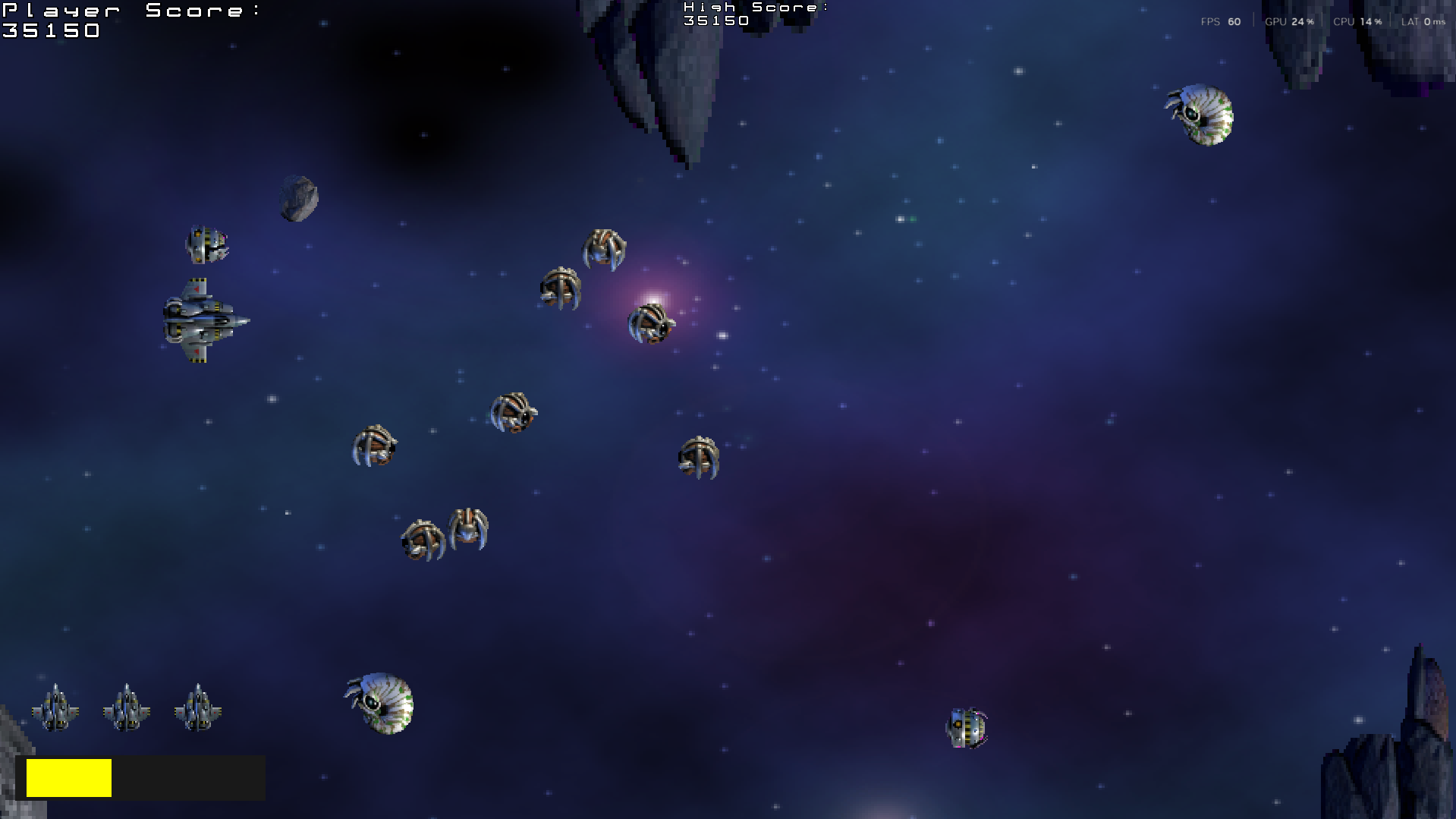
Architected a custom 2D C++ game engine (UnrealityEngine) from scratch (featuring an OpenGL 3.3 Core shader pipeline, a handle-based texture resource cache, and a 60Hz Box2D v3 physics wrapper) and built a playable Xenon 2000 shoot-'em-up clone strictly on top of the engine's API.

01. Creating the Custom C++ Engine (UnrealityEngine)

  • OpenGL 3.3 Core Renderer & Handle-Based Texture Cache (Renderer): Built a 2D hardware-accelerated renderer using GLAD, custom #version 330 core Vertex/Fragment shaders, dynamic VAO/VBO/EBO quad buffers, and GLM model/orthographic projection matrices. Prevents duplicate BMP loads via an std::unordered_map cache, recycles deleted texture handles via freeSlots, and converts magenta (255, 0, 255) pixels to transparent alpha.
  • 60Hz Fixed-Timestep Loop & Box2D v3 Bitmask Physics (UnrealityEngine, Level, Actor): Decoupled variable-rate frame updates (Update(deltaTime)) from deterministic 60Hz Box2D physics steps (FixedUpdate). Wrapped Box2D bodies with pixel-to-meter conversion (1.0f / 64.0f), 64-bit bitwise collision masks (CollisionCategory), polymorphic OnCollisionBegin callbacks via shapeDef.userData, and deferred isPendingKill memory cleanup.
  • ASCII Bitmap Font Parser, Shader Health Bar & SDL3 Gamepad Input (UIElementText, UIHealthBar, Pawn): Programmed an 8x12 ASCII bitmap font UV mapper, a UV-cropped health bar that passes RGB color thresholds to the fragment shader, and a unified Keyboard + SDL3 Gamepad analog stick input layer with deadzone filtering.

02. Xenon 2000 Gameplay Built on the Engine API

  • Player Spaceship, Wingman Companions & 3-Tier Missiles (Spaceship & Companion): Built the player ship with banking animations, cooldown firing, and up to two attached Companion clones that follow at an offset, fire in sync, and independently collect WeaponPowerUp and ShieldPowerUp pickups to upgrade their own missile tiers (Light → Medium → Heavy).
  • Recursive Asteroid Splitting & Sine-Wave Enemy Formations (XenonLevel, BigAsteroid, Drone): Implemented multi-layer parallax backgrounds and a wave spawner managing Loner shooters, Rusher kamikazes, mathematical sine-wave Drone squads (std::sin), and BigAsteroid obstacles that fracture into 3 diverging MediumAsteroids and 9 SmallAsteroids on destruction.

UI DESIGN PORTFOLIO

Role: UI / UX Designer
Tools: Figma, Illustrator & Photoshop
Focus: Typography, Digital Game UI & Logos
Year: 2024

1 👤

As a Gameplay and UI Programmer, my core focus is bridging the gap between game logic and the front-end player experience. While my background allows me to build UI architectures in C++ and Unreal Engine, this design showcase demonstrates my ability to conceptualize, wireframe, and visually construct interfaces from scratch—enhancing collaboration with design teams and providing full autonomy for solo projects.

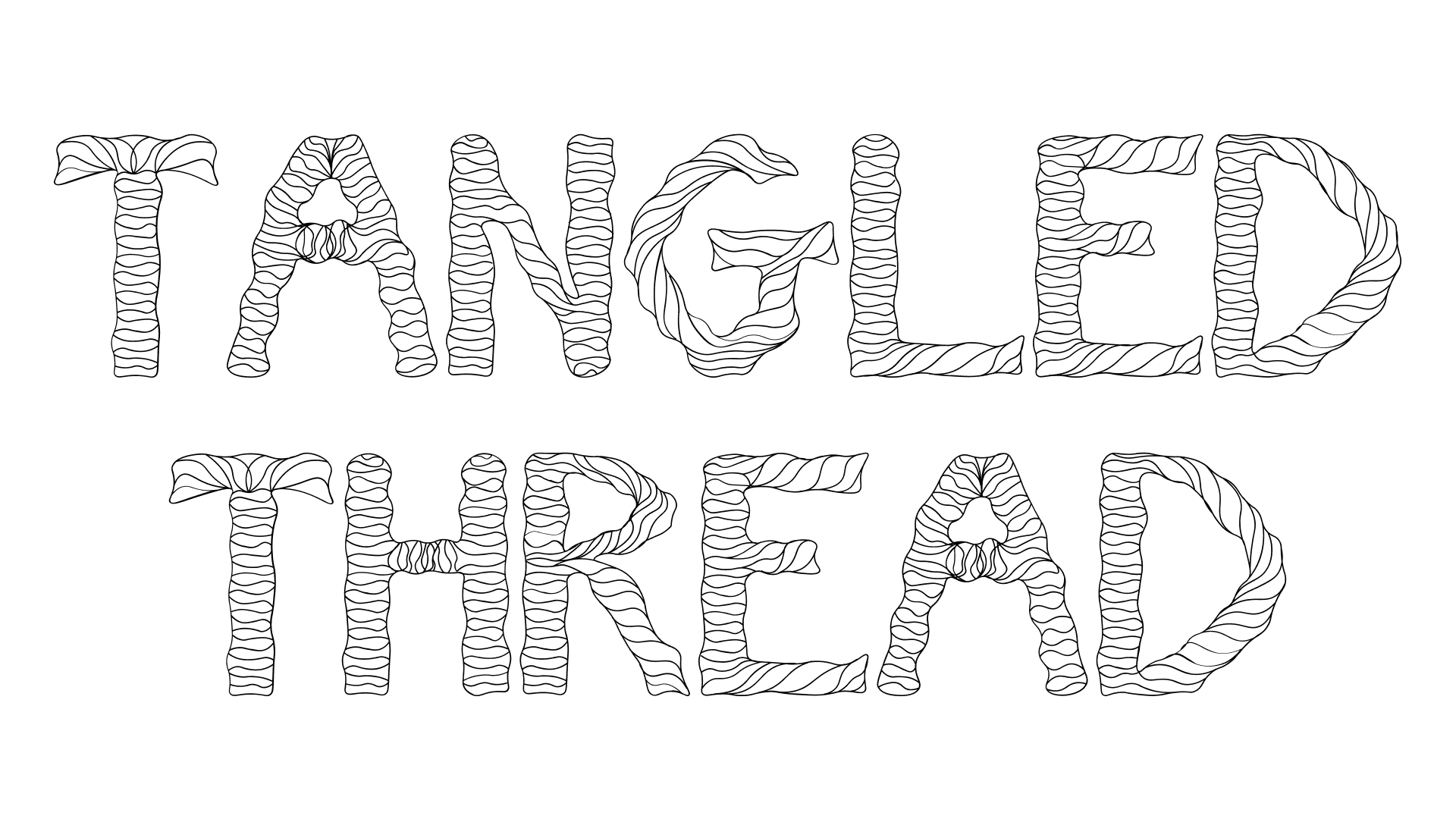
Tangled Thread Font 01. FONT
Digital Game UI
Game Genre Logos

01. Tangled Thread Font — Custom Screen Typography

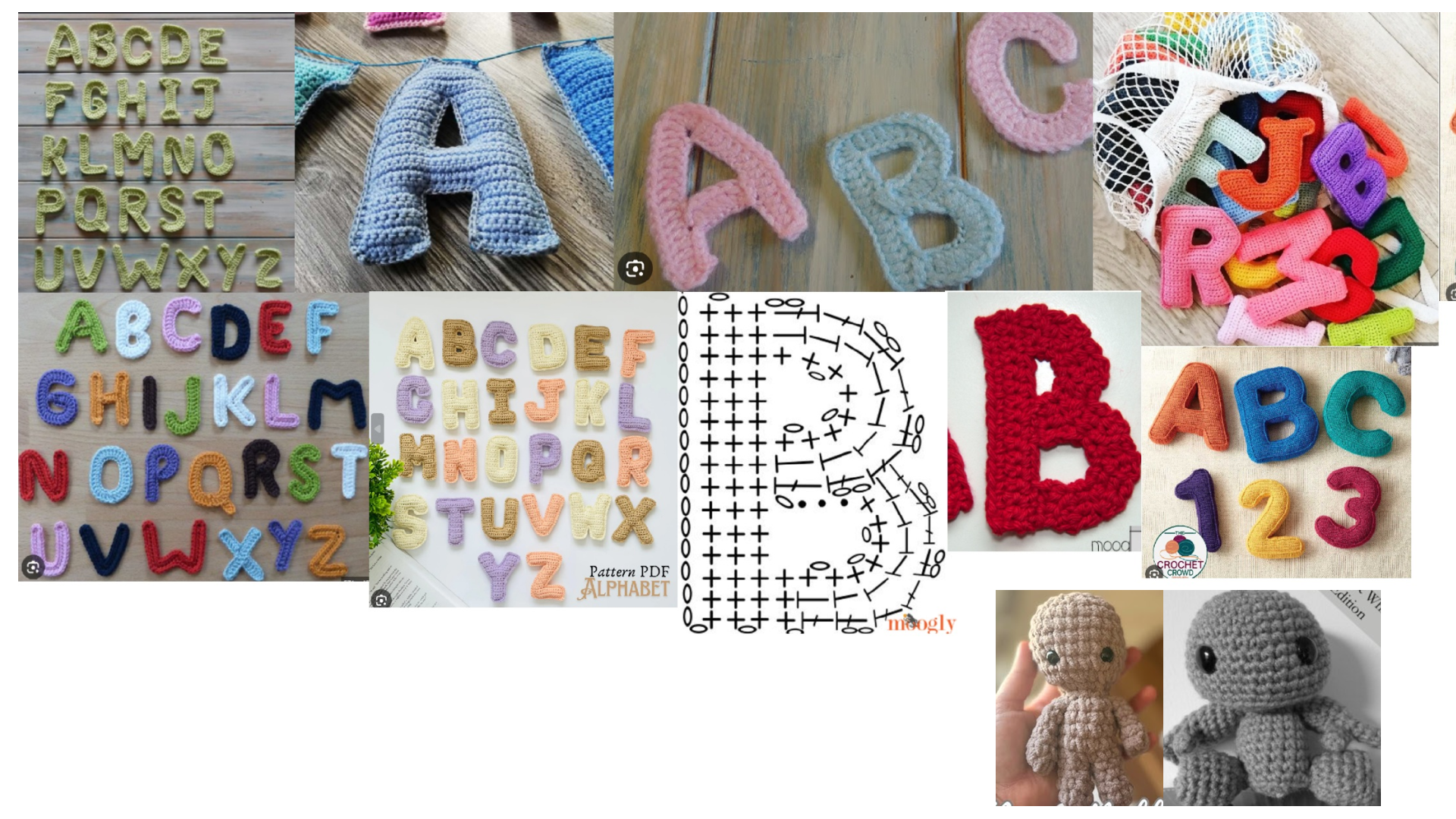
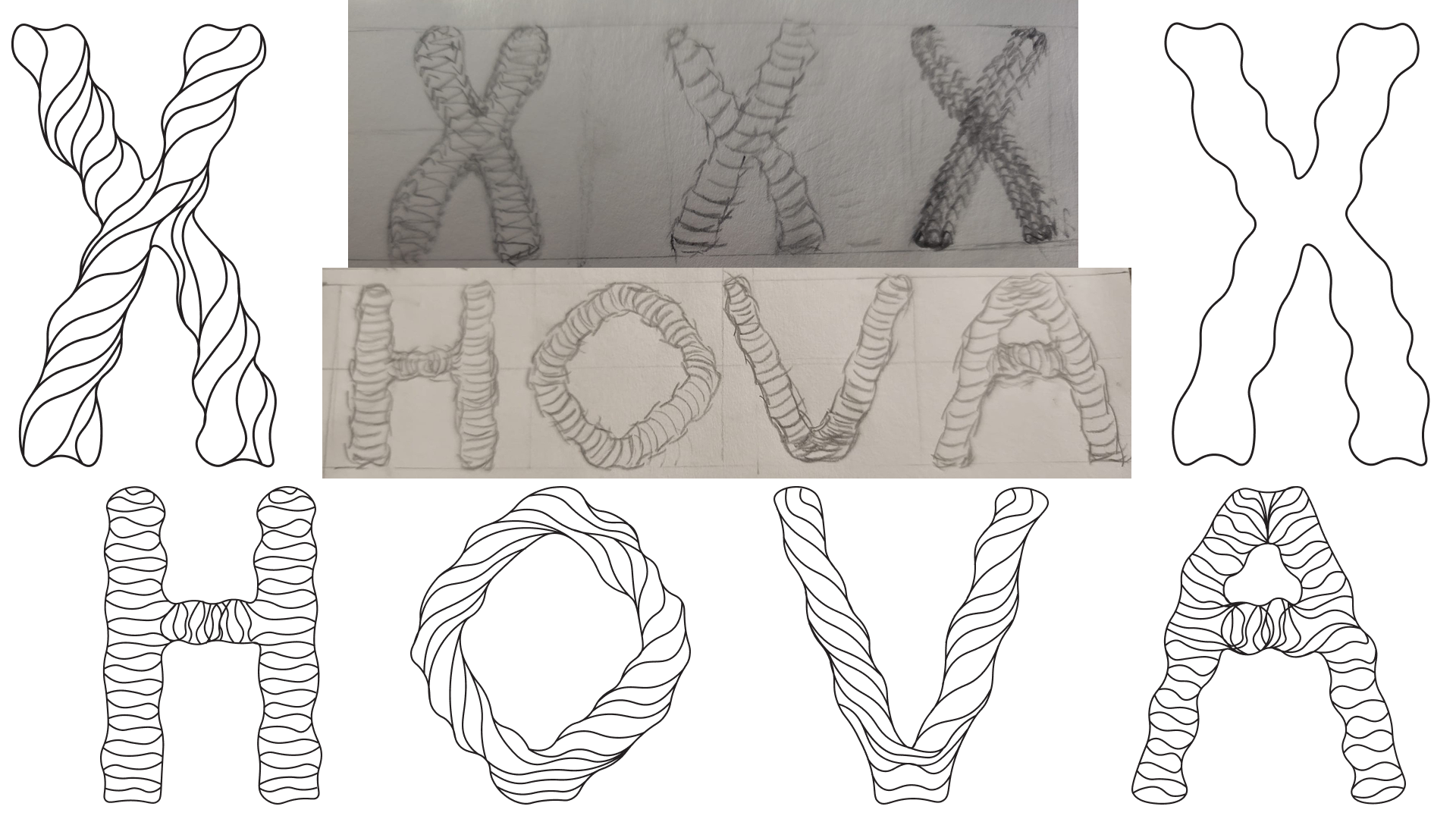
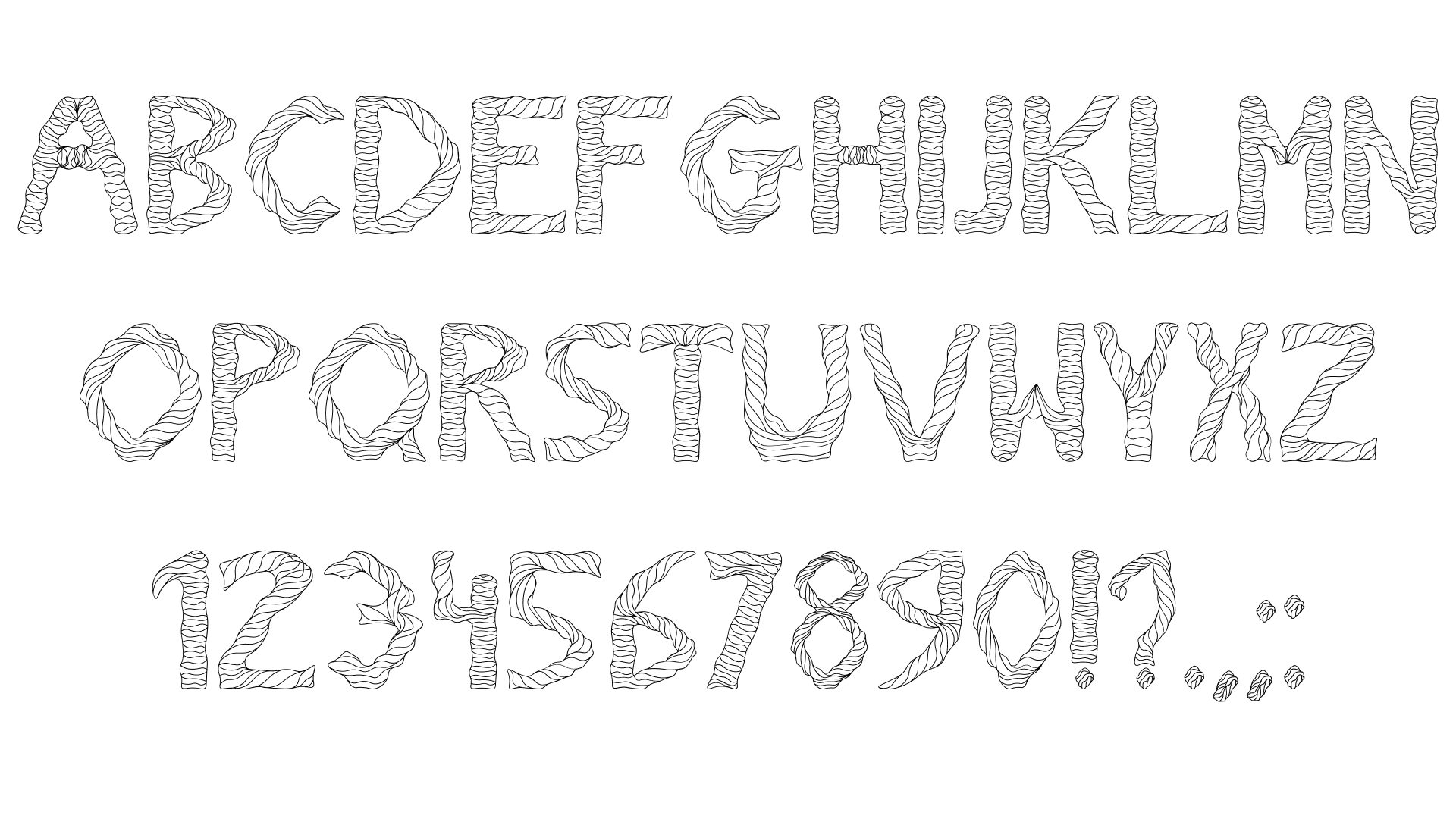
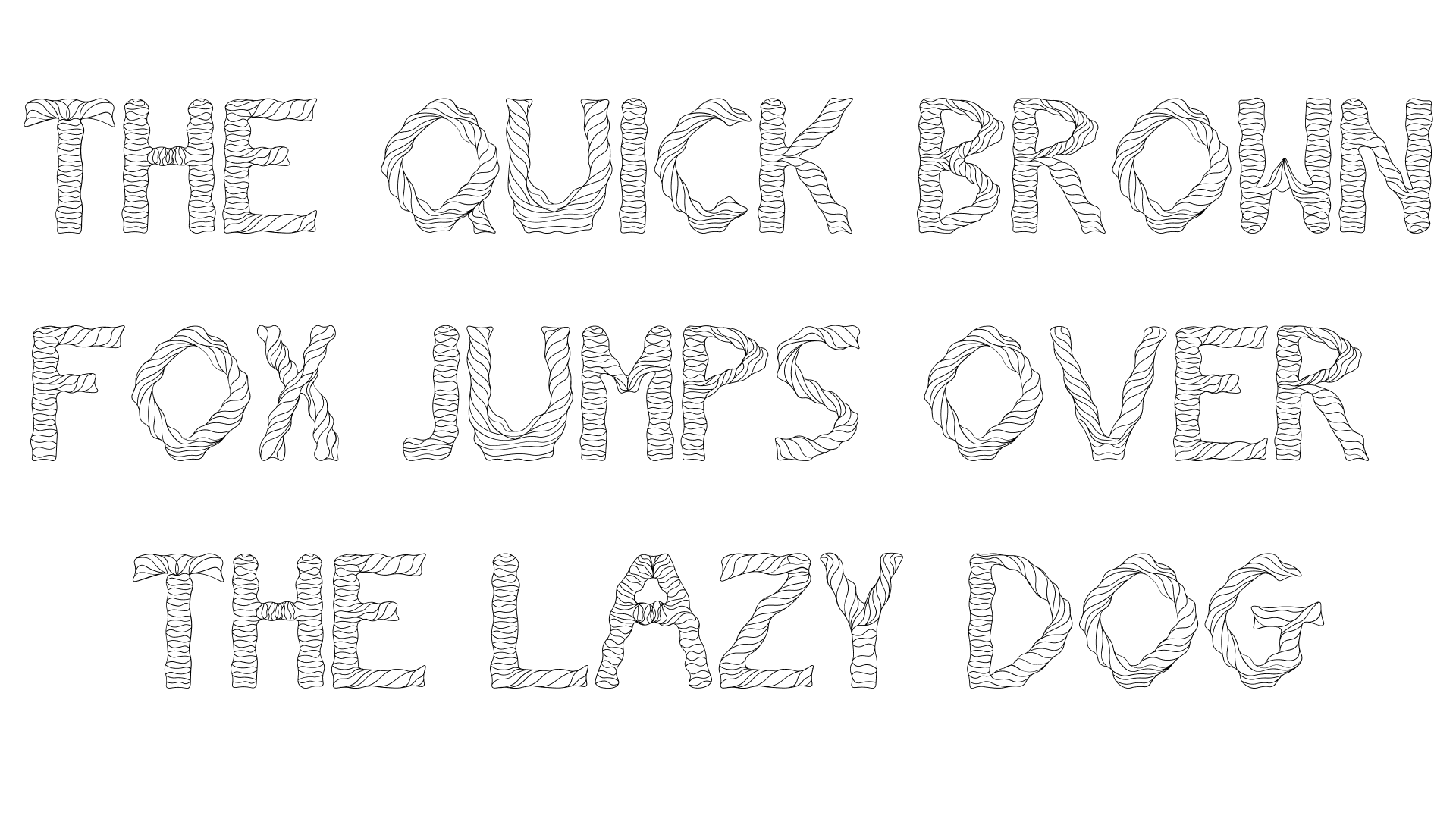
To support the visual identity of a handmade, crochet-themed party game, I designed and vectorized a custom screen font from scratch. The process involved translating the physical volume and threaded textures of yarn into a functional digital format, ultimately exporting a complete character set (A–Z, 0–9, and punctuation) ready for digital screen implementation.

UI Flow Chart

Tangled Thread - Research

Main Menu & Lobby UI
Tangled Thread - Sketches

Server List & Settings UI

Tangled Thread - Alphabet , Numbers & Pontuation

In-Game HUD UI

Tangled Thread - Sentence

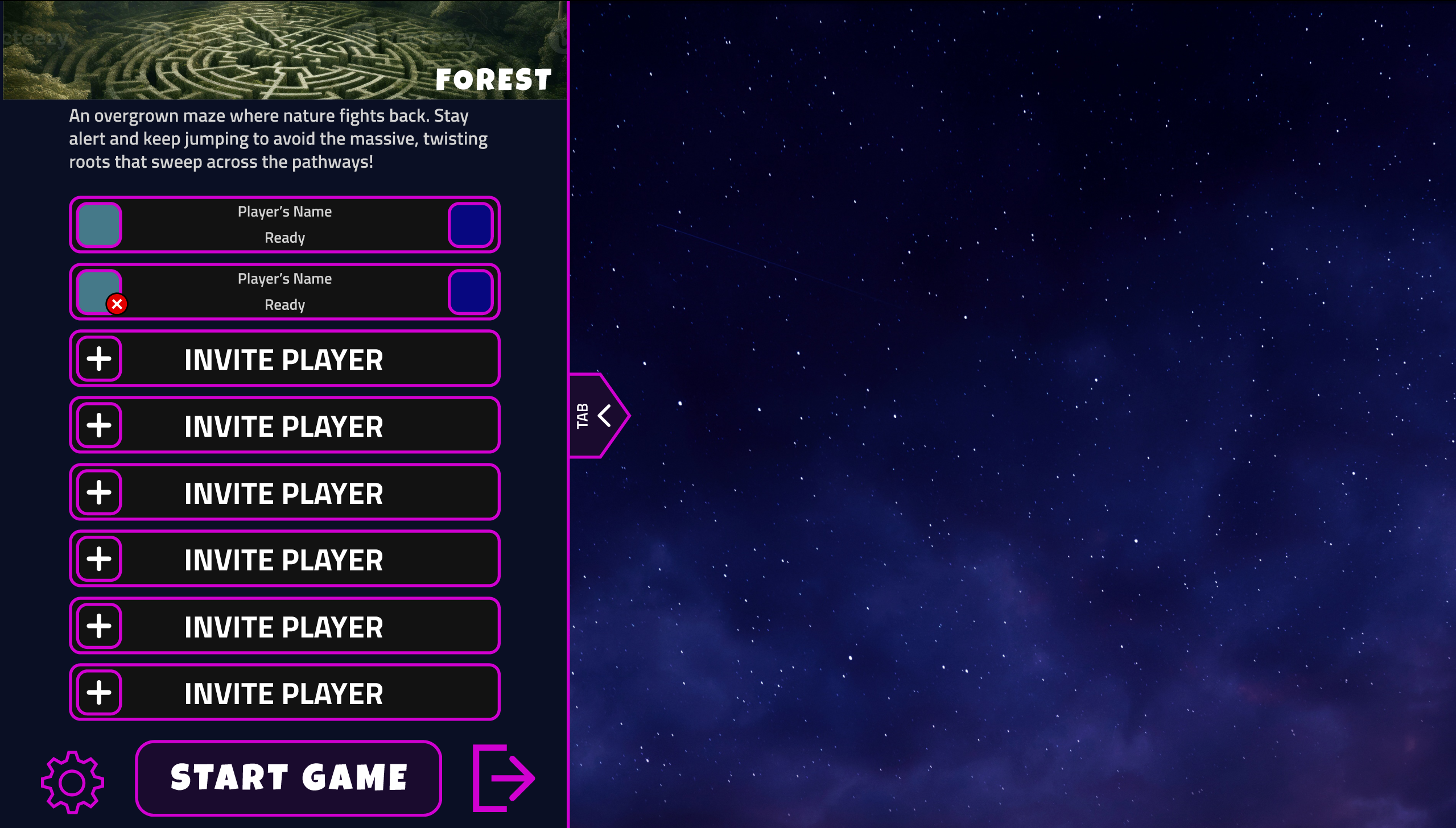
02. Digital Game UI — "Maze Lunacy" Wireframes & Flow

FIGMA PROTOTYPE →

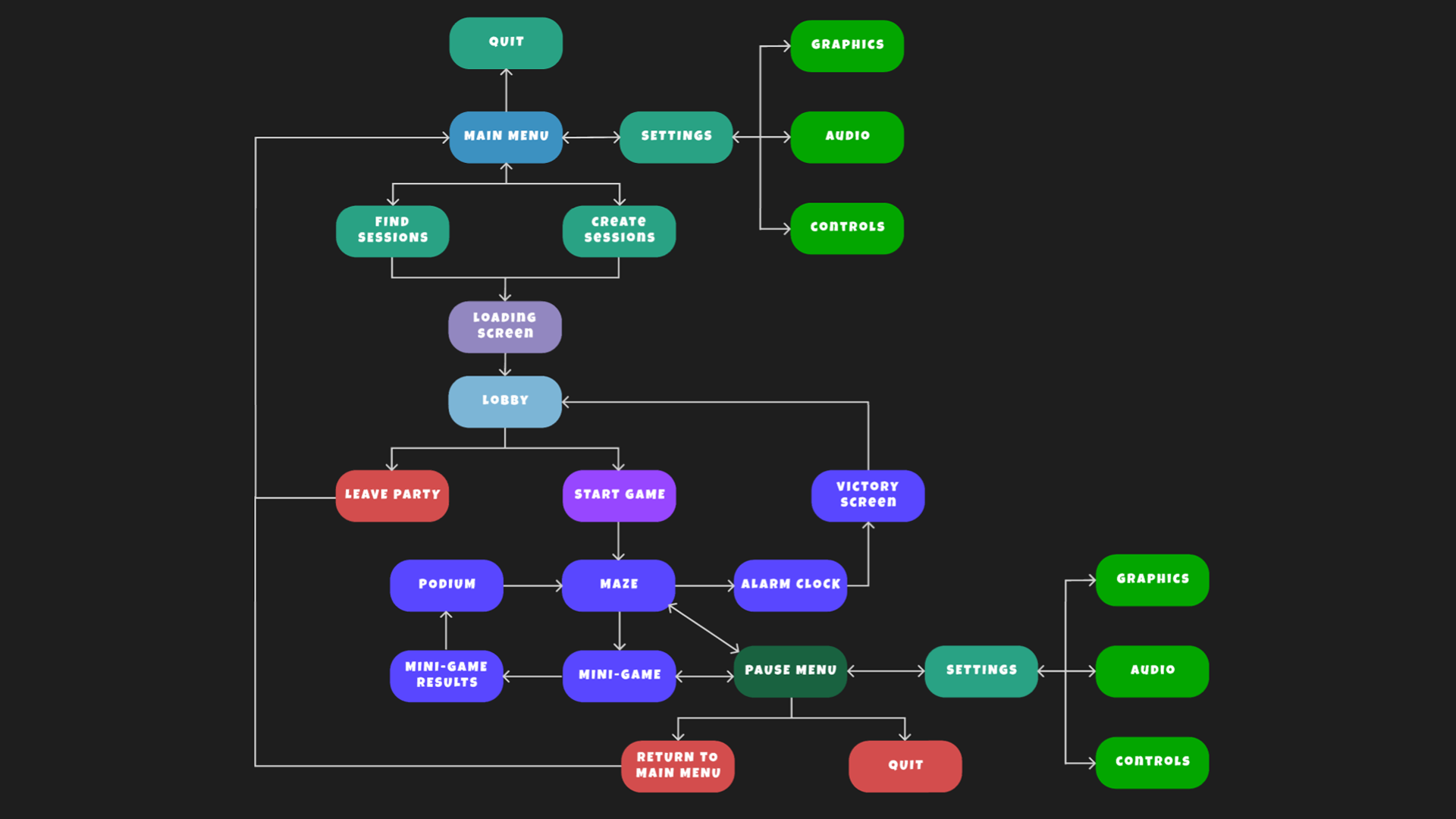
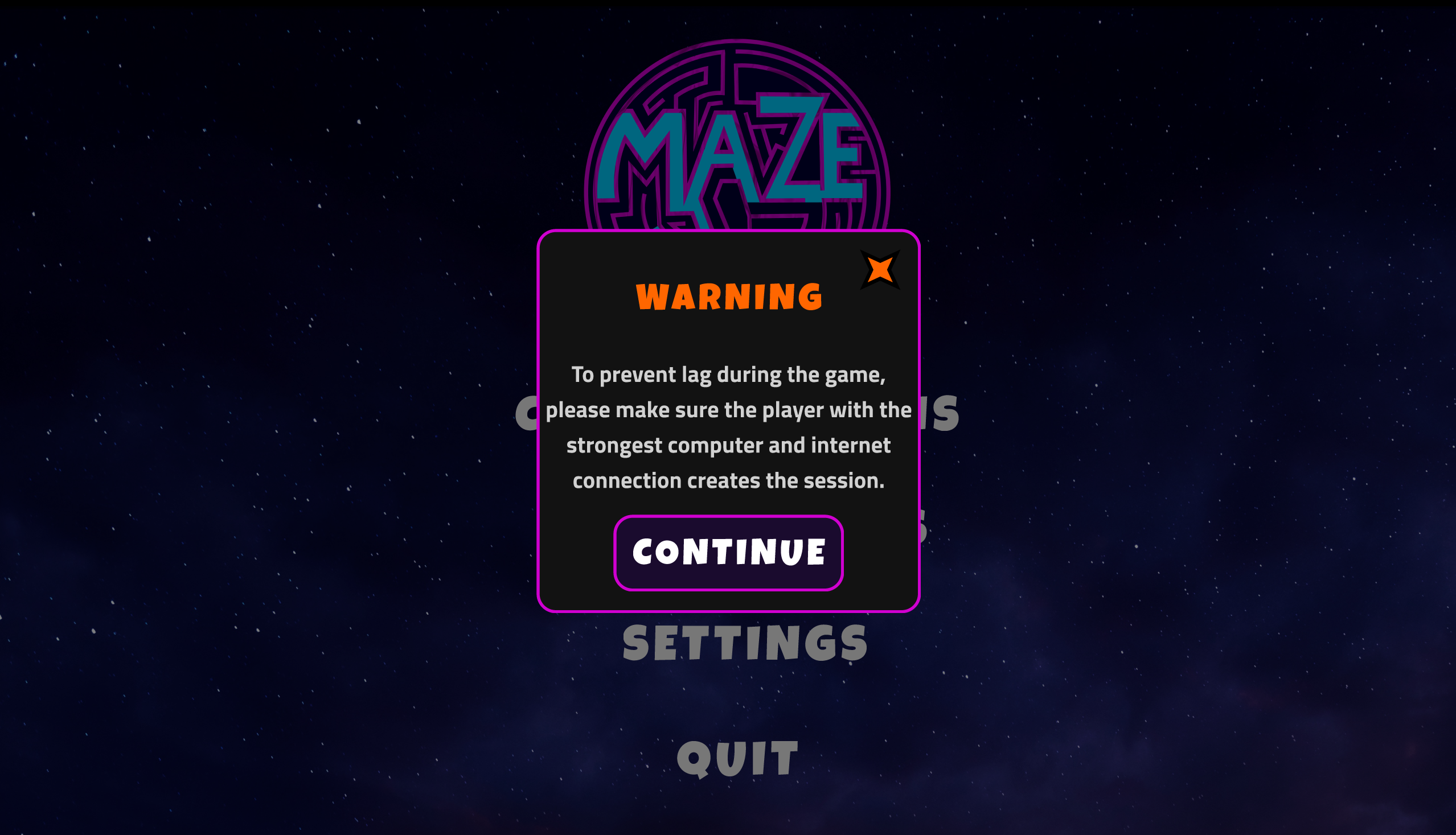
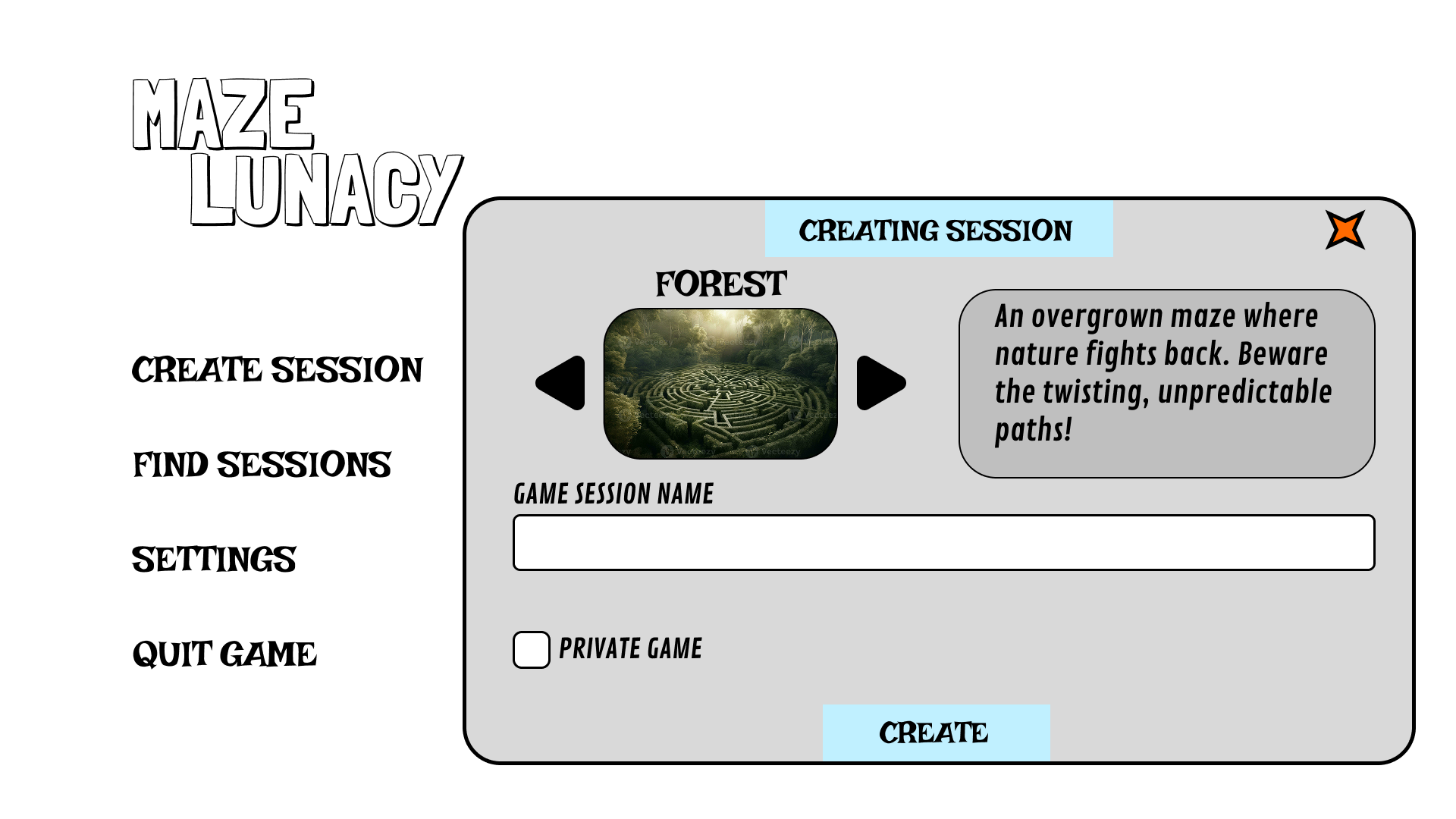
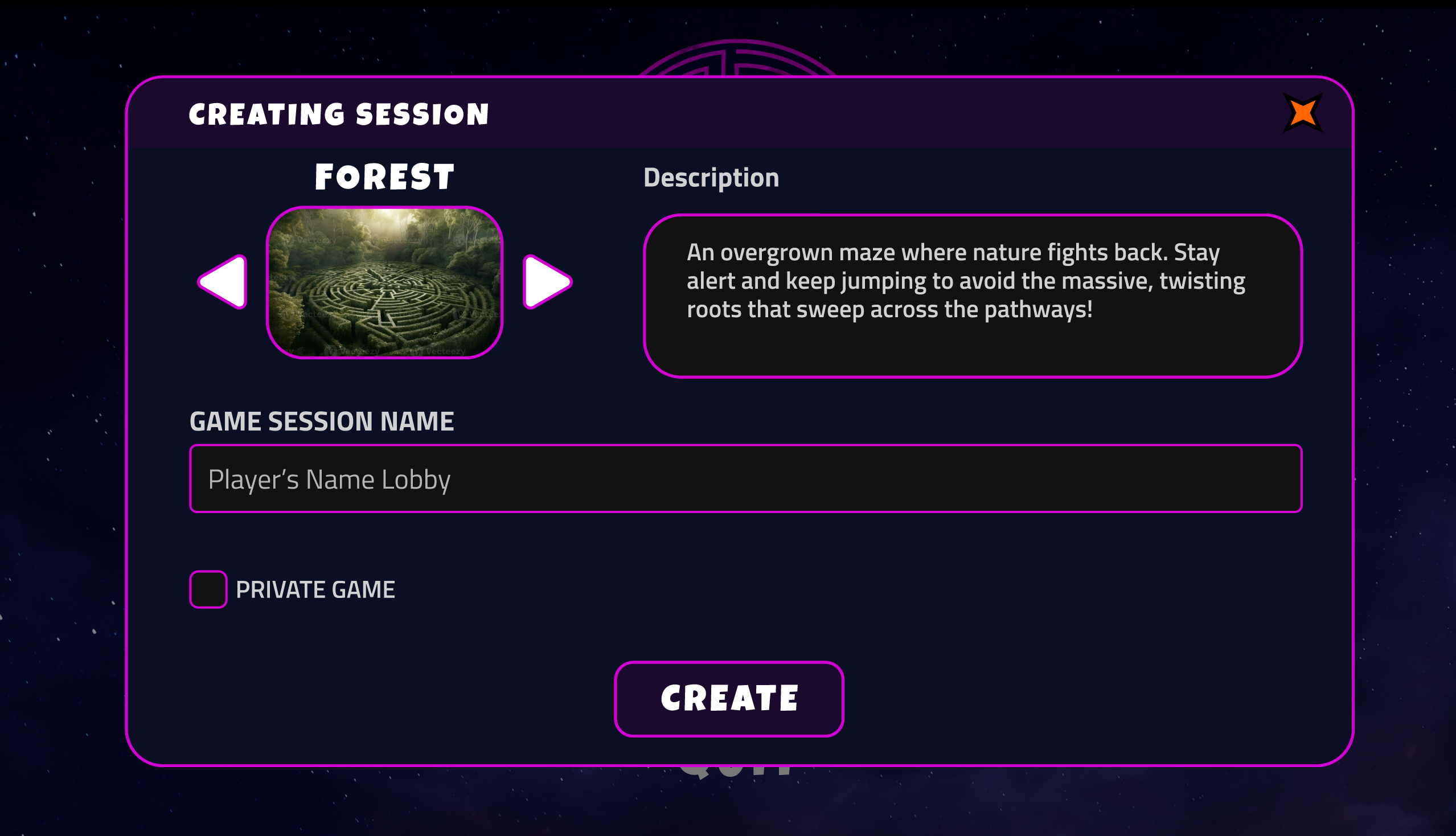
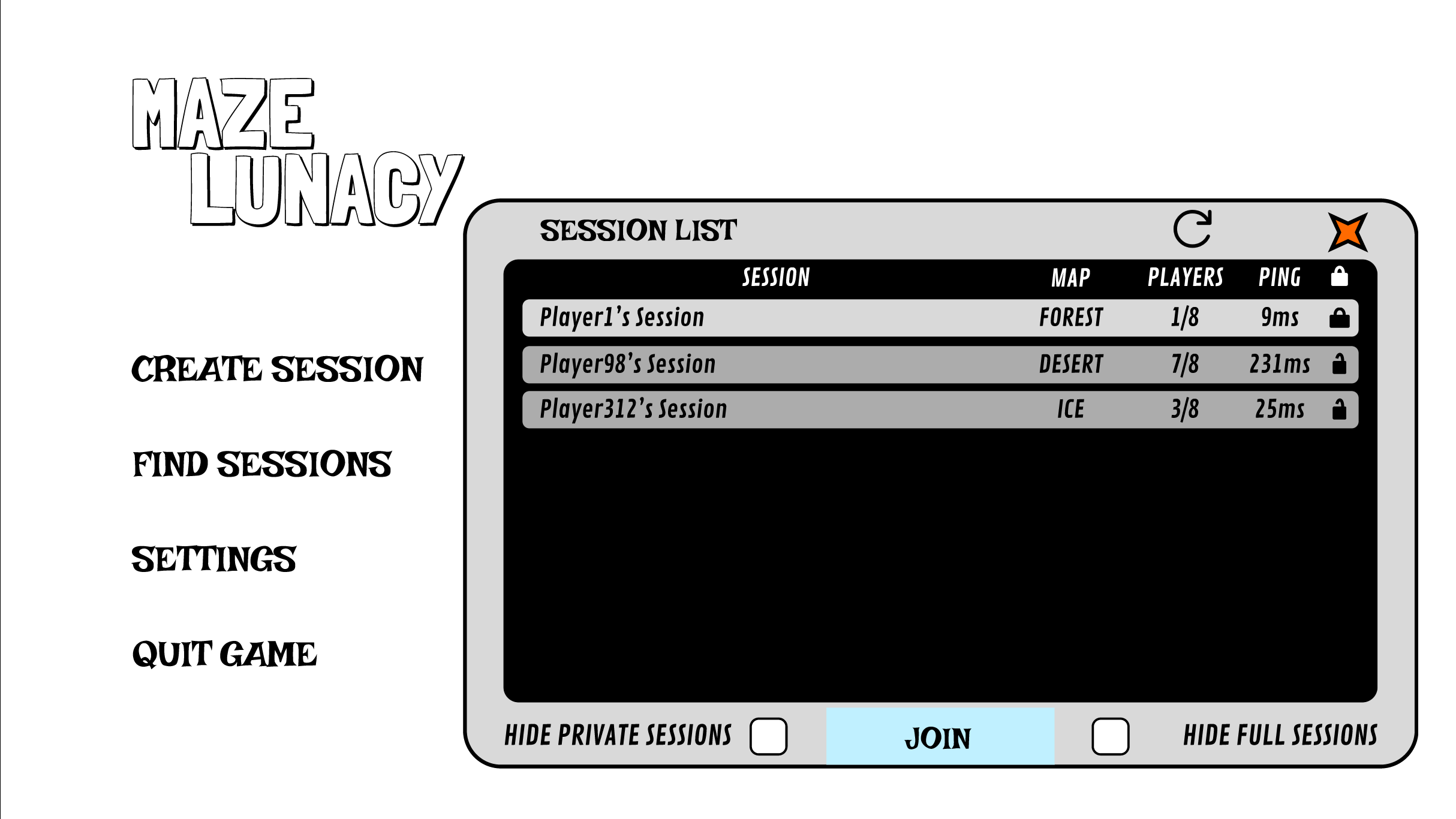
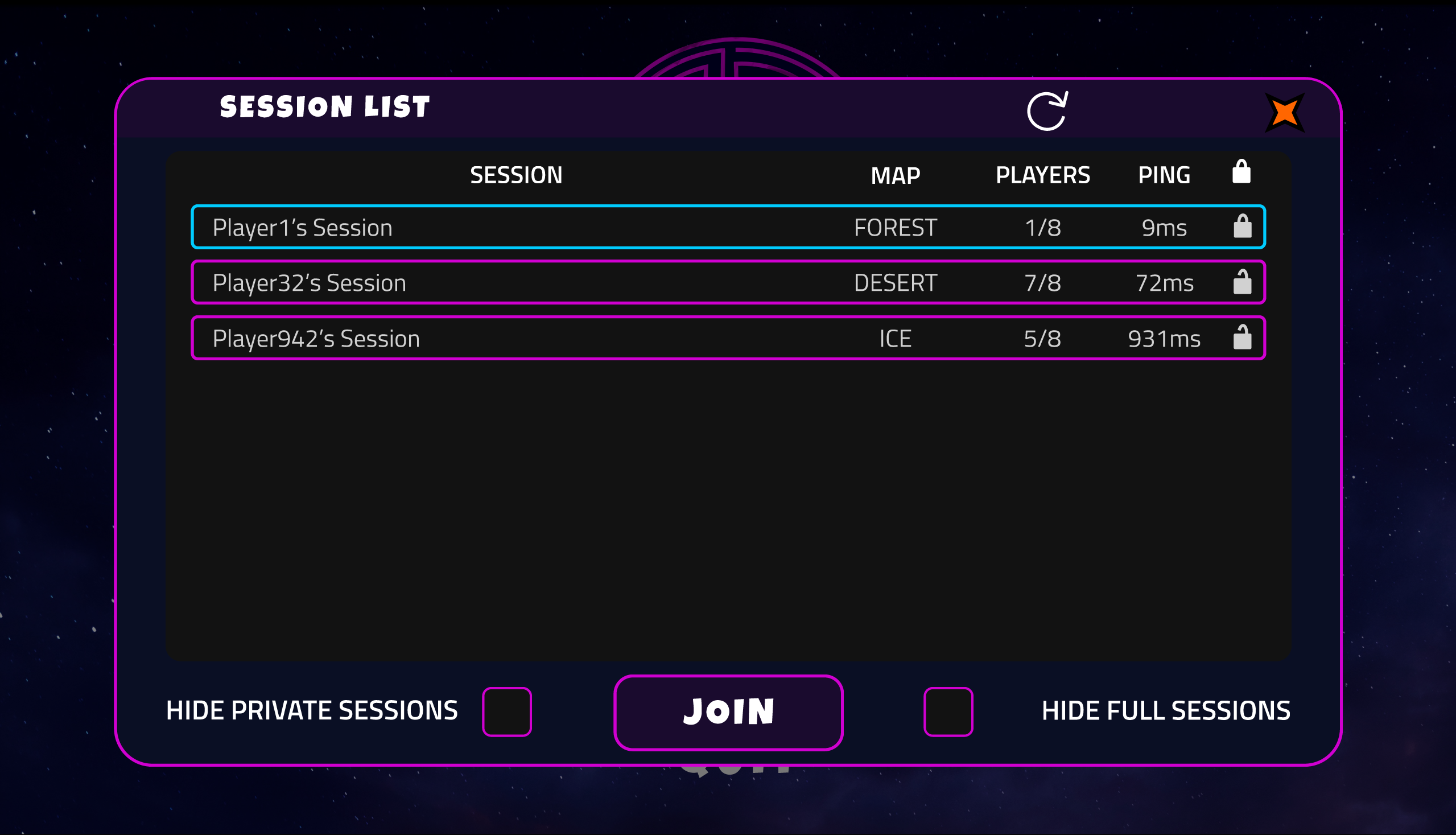
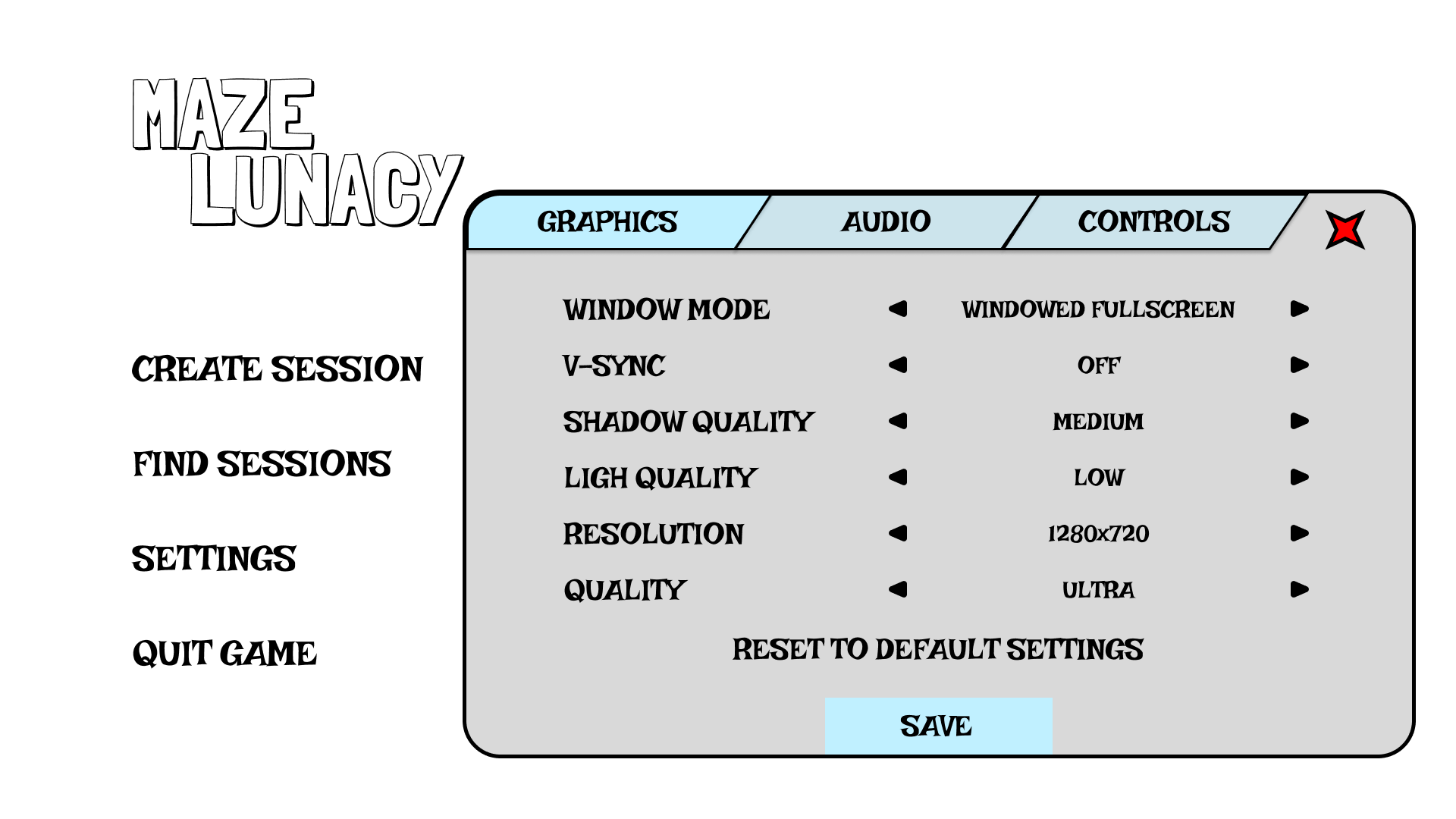
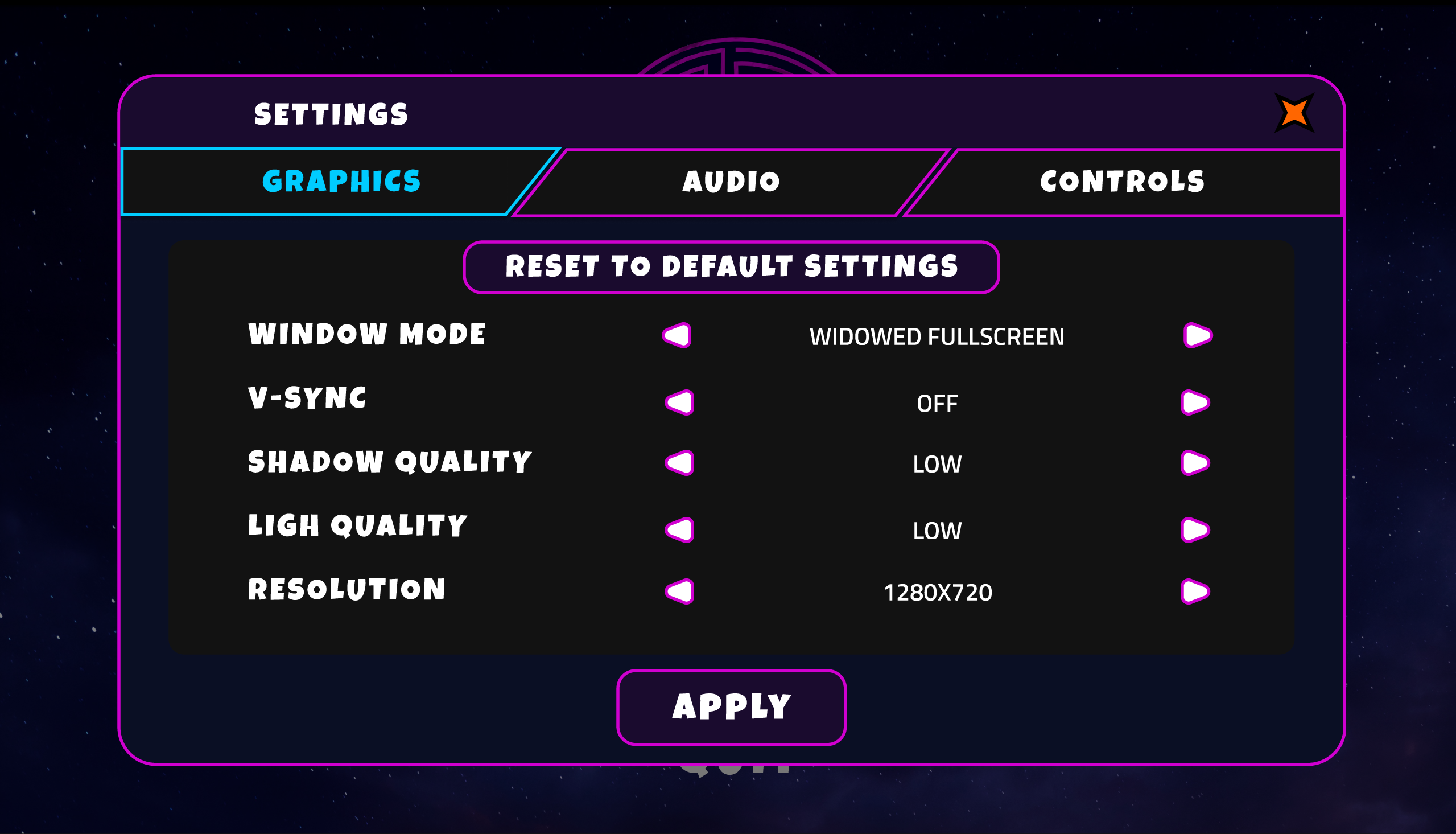
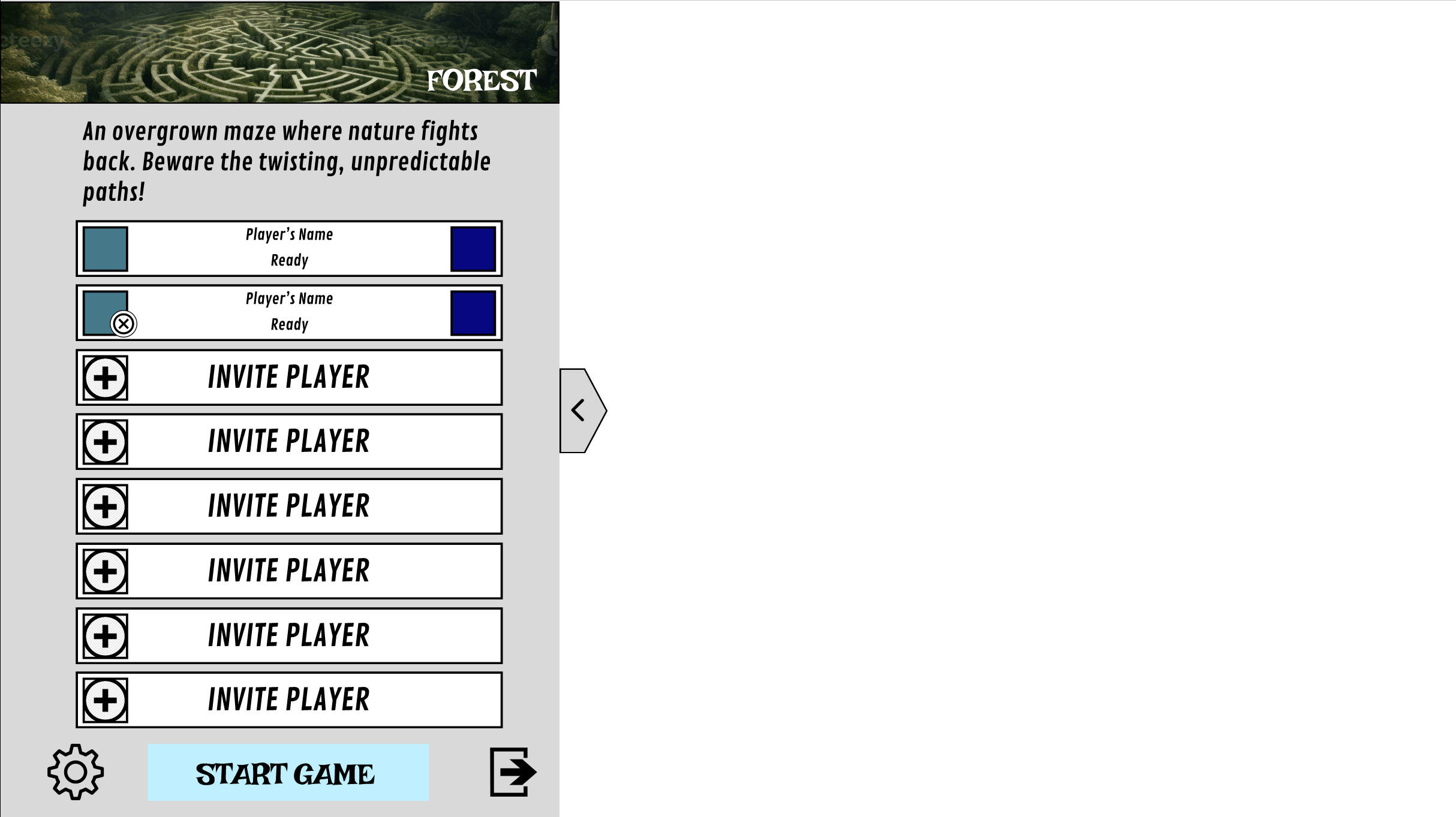
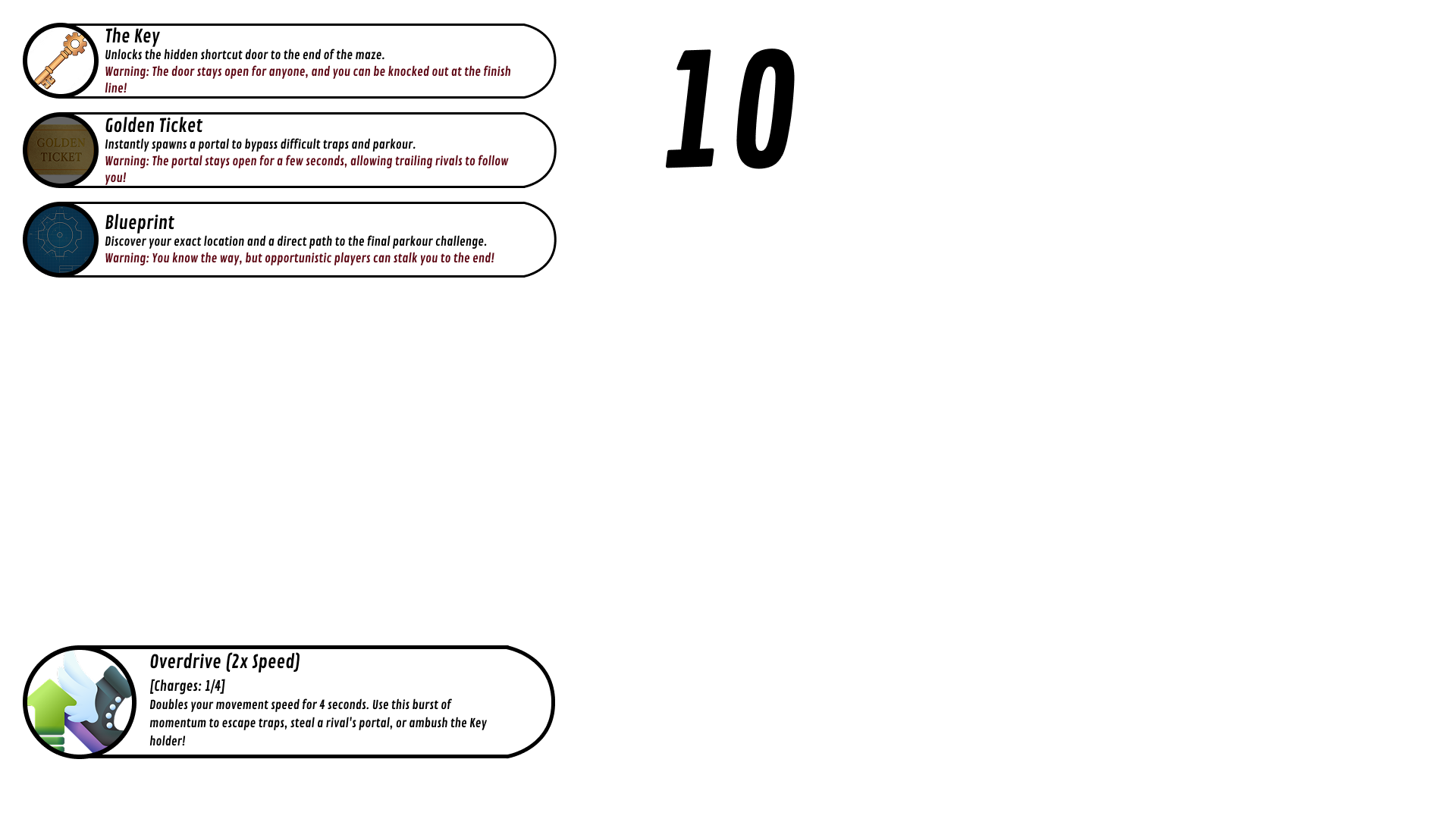
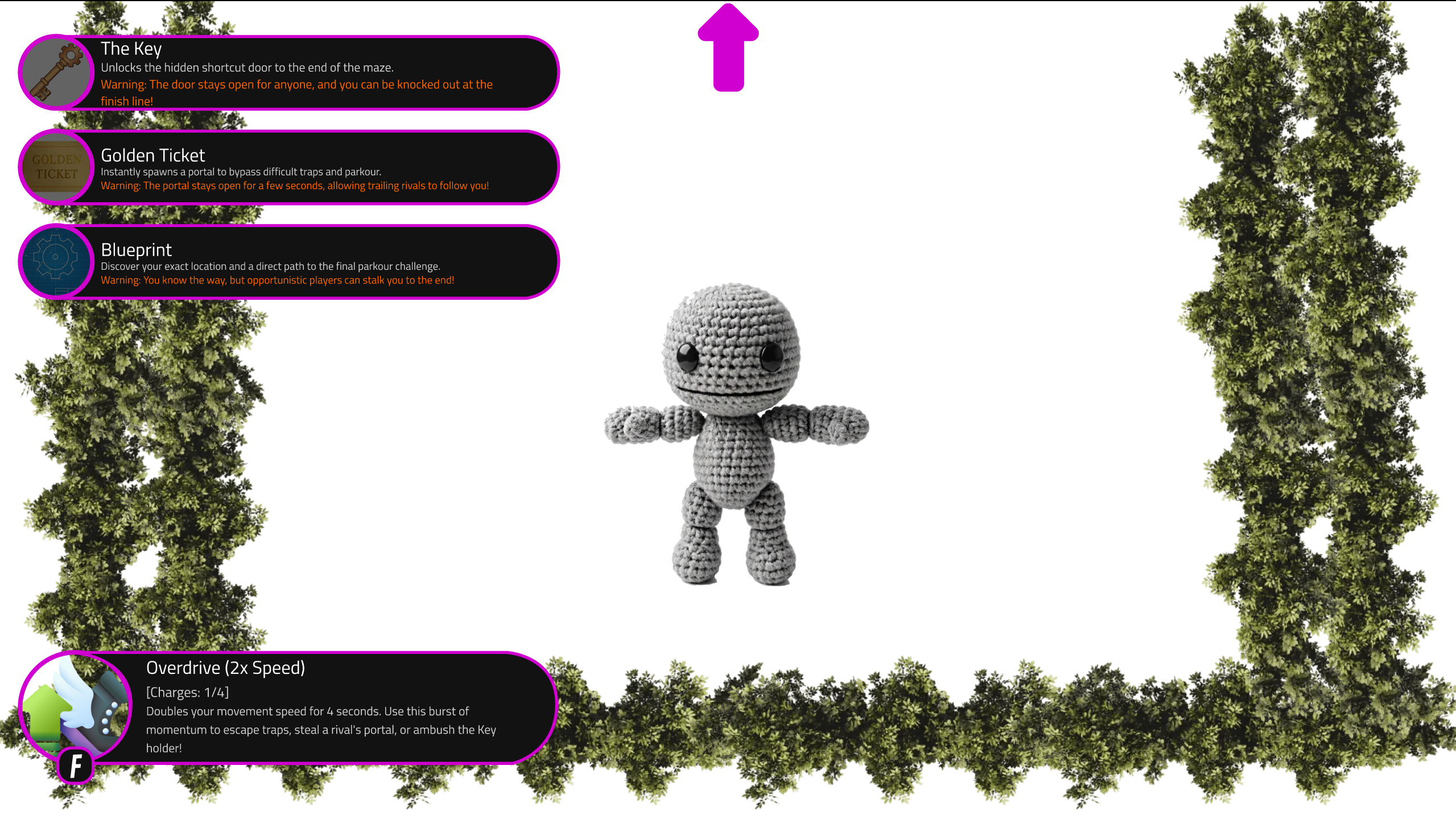
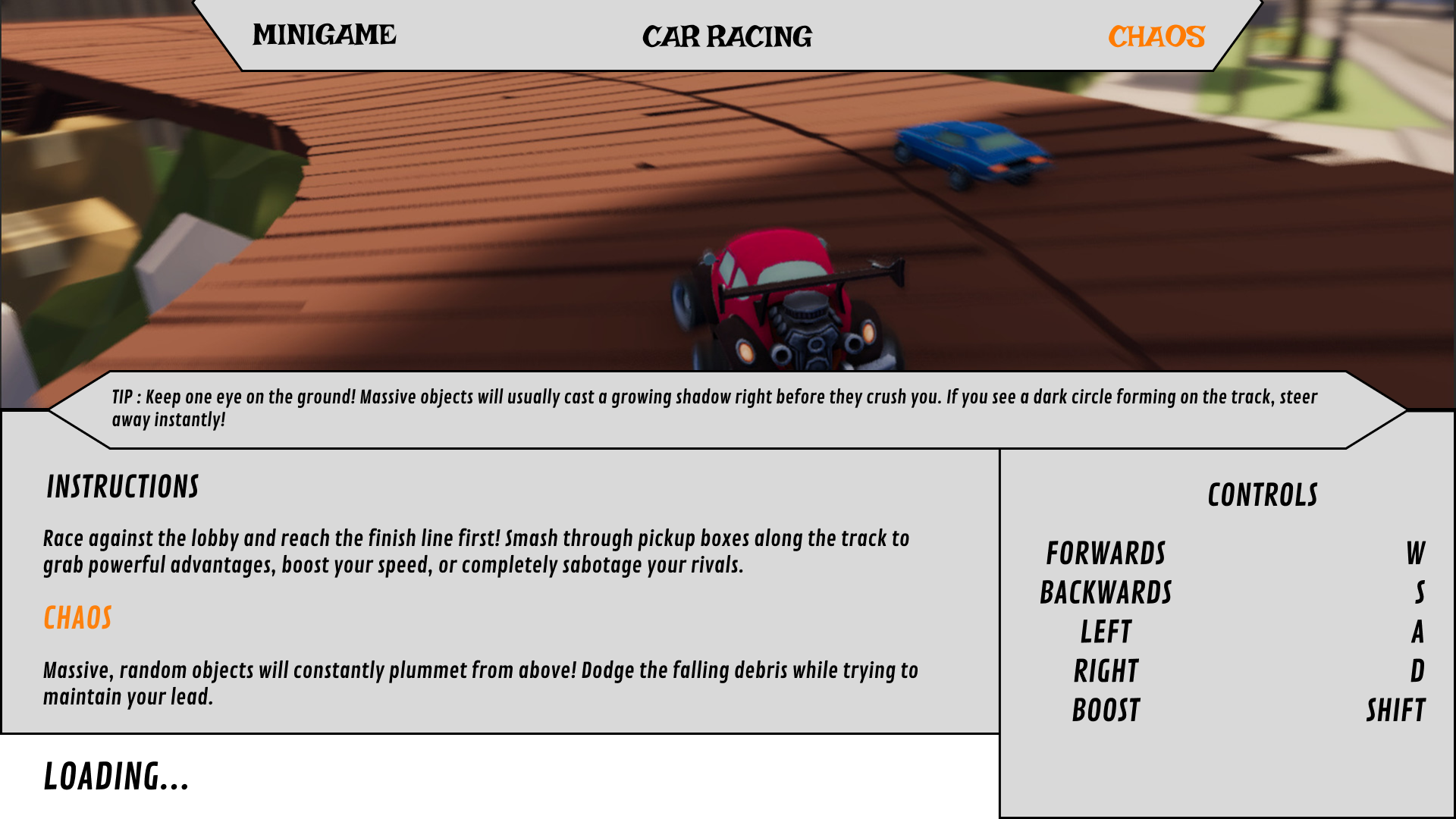
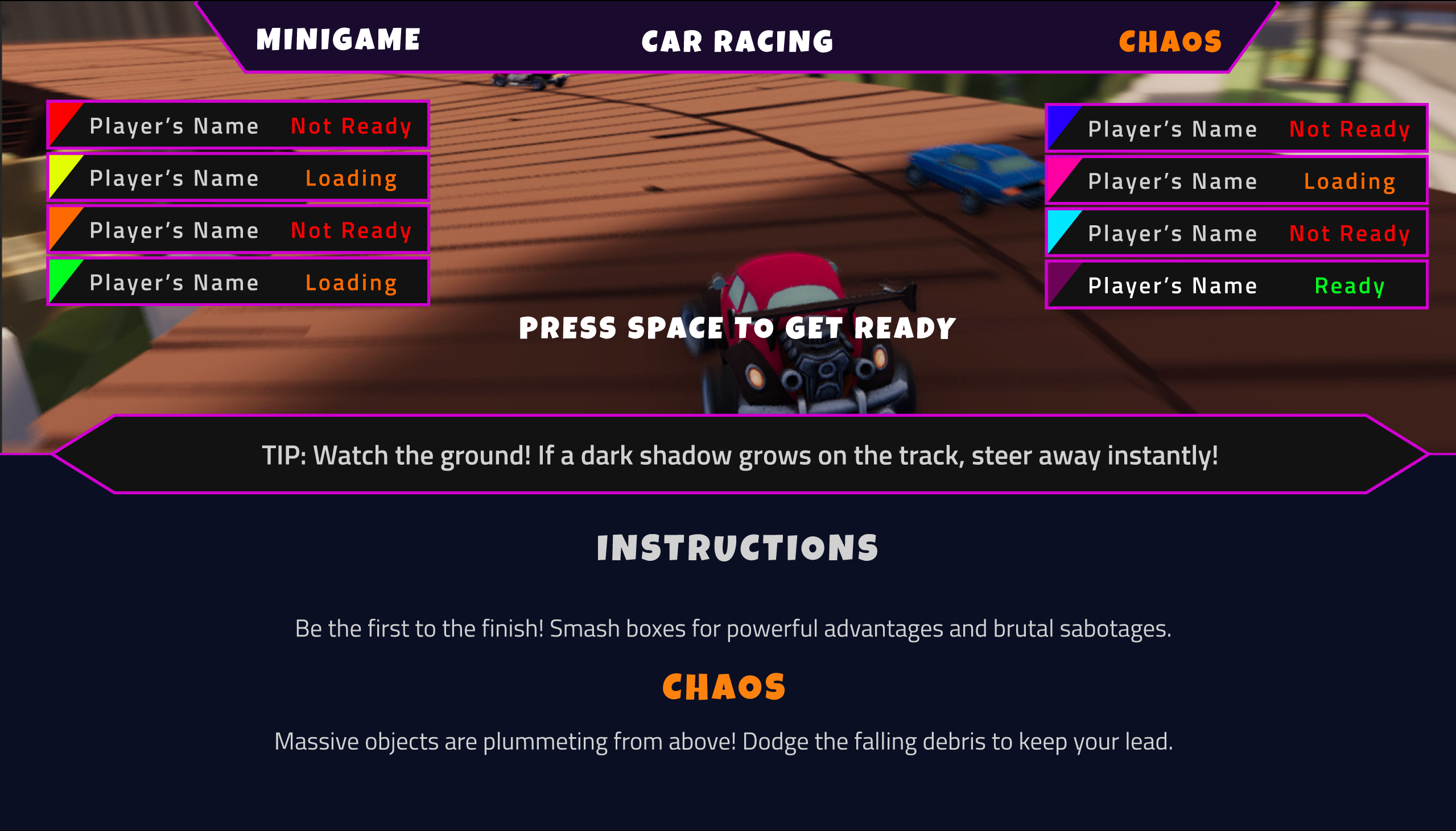
A comprehensive UI system designed for a "Midnight Arcade" multiplayer racing/party game. This project involved mapping out the entire user journey via a complete Flow Chart—from pre-game matchmaking lobbies and server browsers to settings, character customization, and sudden mini-game HUD transitions. Extensive low-fidelity wireframing and user testing were conducted to refine navigation flow before applying the final neon arcade color palette.

UI Flow Chart

Flowchart

UI Flow Chart

Wireframe - Main Menu
Main Menu & Lobby UI
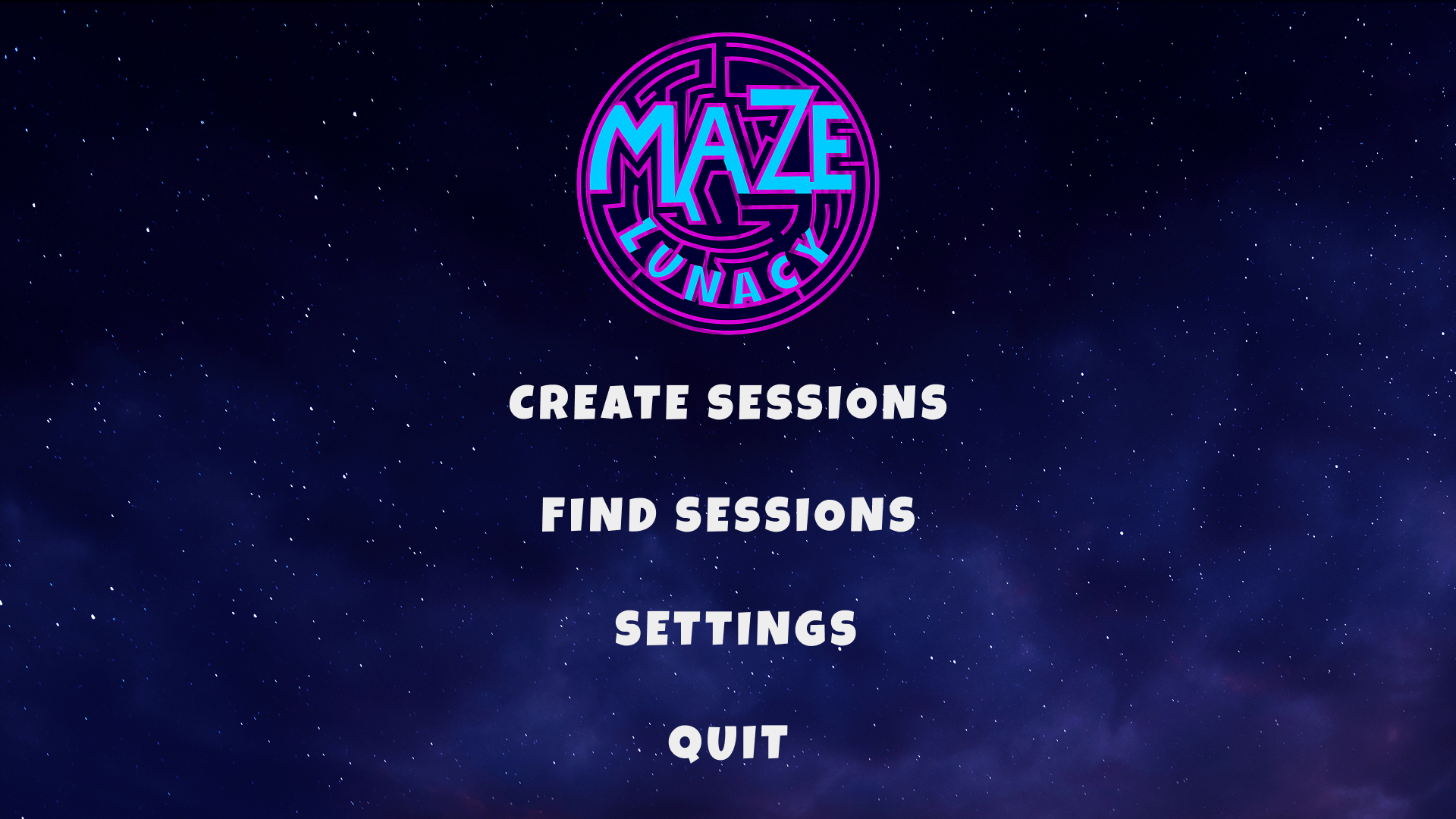
Maze Lunacy — Main Menu

Server List & Settings UI

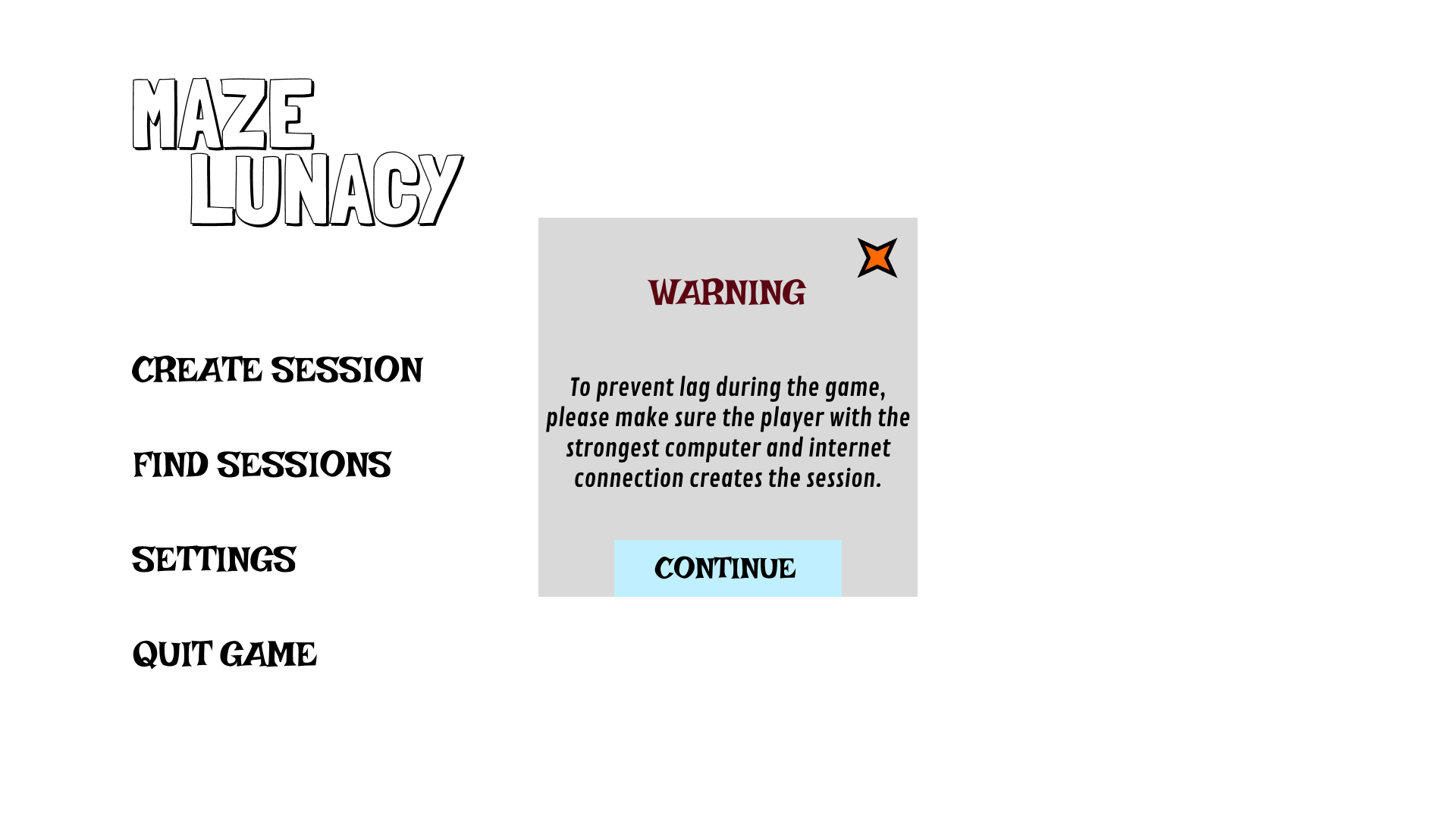
Wireframe - Warning Message

In-Game HUD UI

Maze Lunacy - Warning Message

UI Flow Chart

Wireframe - Create Session

Main Menu & Lobby UI

Maze Lunacy - Create Session

Server List & Settings UI

Wireframe - Find Sessions

In-Game HUD UI

Maze Lunacy - Find Sessions

UI Flow Chart

Wireframe - Settings

Main Menu & Lobby UI

Maze Lunacy - Settings

Server List & Settings UI

Wireframe - Lobby

In-Game HUD UI

Maze Lunacy - Lobby

Server List & Settings UI

Wireframe - In-Game HUD

In-Game HUD UI

Maze Lunacy - In-Game HUD

Server List & Settings UI

Wireframe - Loading Mini-Game

In-Game HUD UI

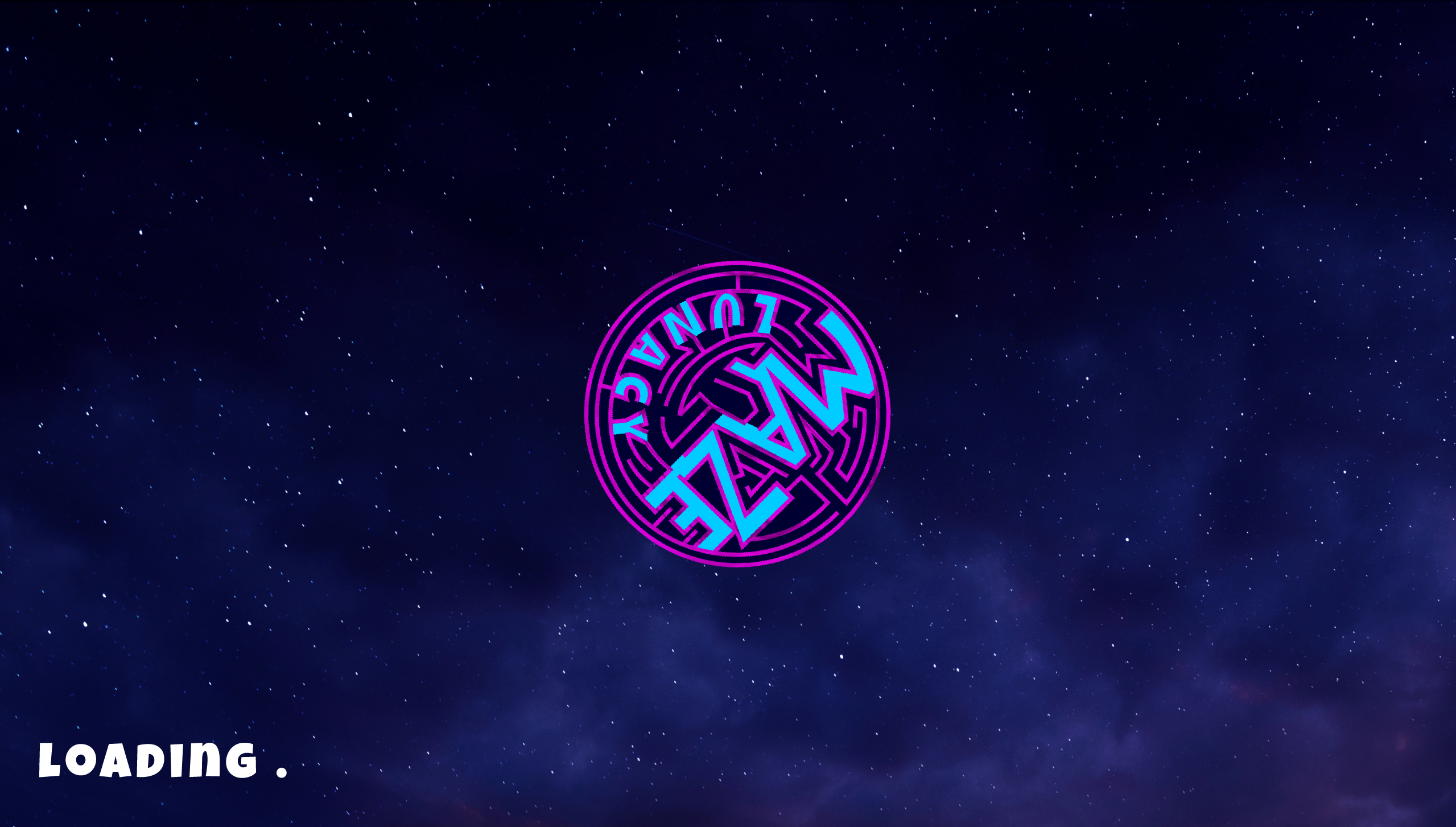
Maze Lunacy - Loading Mini-Game

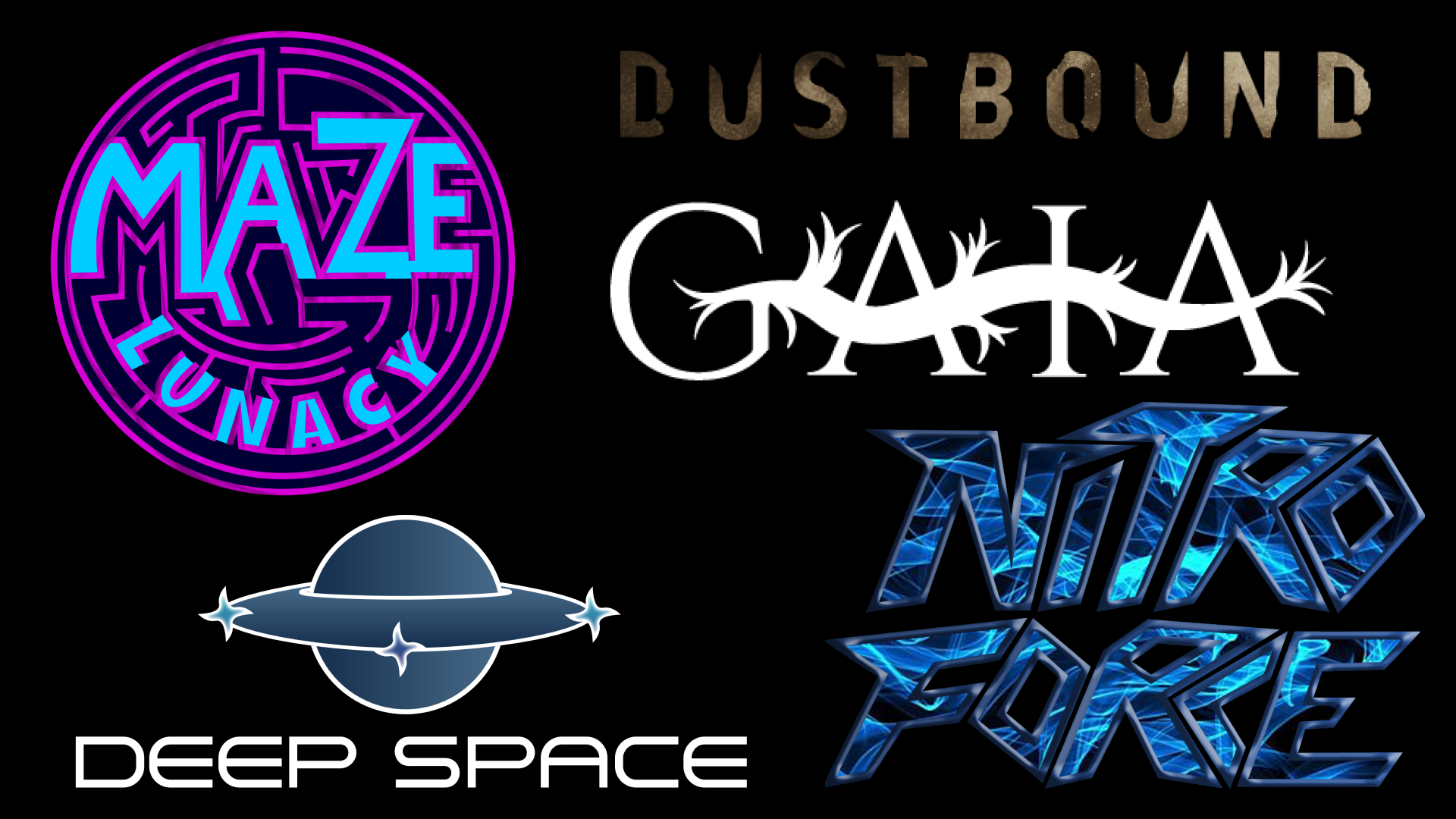
03. Game Genre Logos — 5 Visual Adaptability Studies

A visual adaptability showcase featuring five original logos designed for distinctly different game genres. Each logo underwent rigorous research, structural pencil sketching, and digital vector iteration to ensure the typography, colors, and textures instantly communicated the core gameplay experience.

MAZE LUNACY

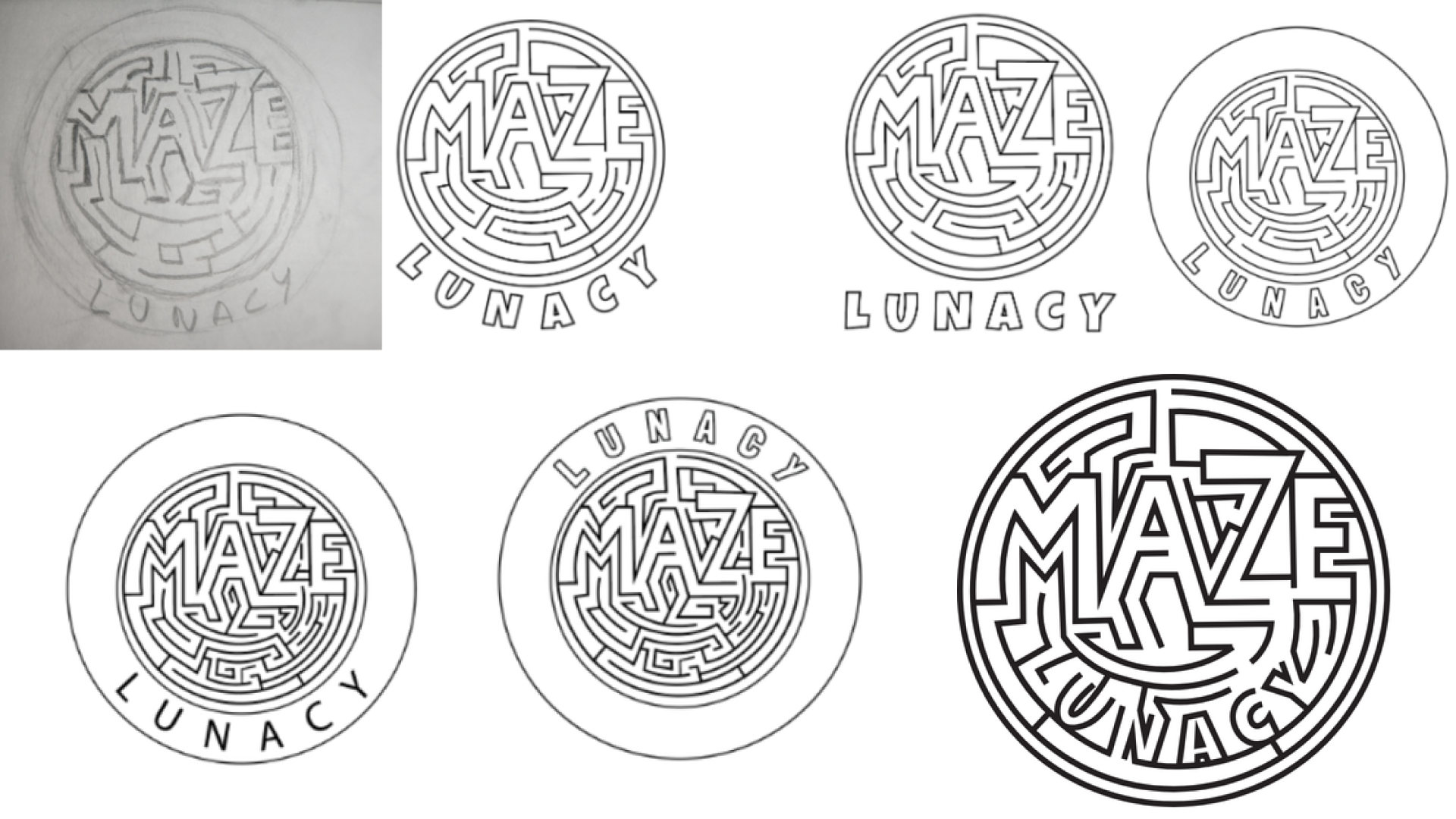
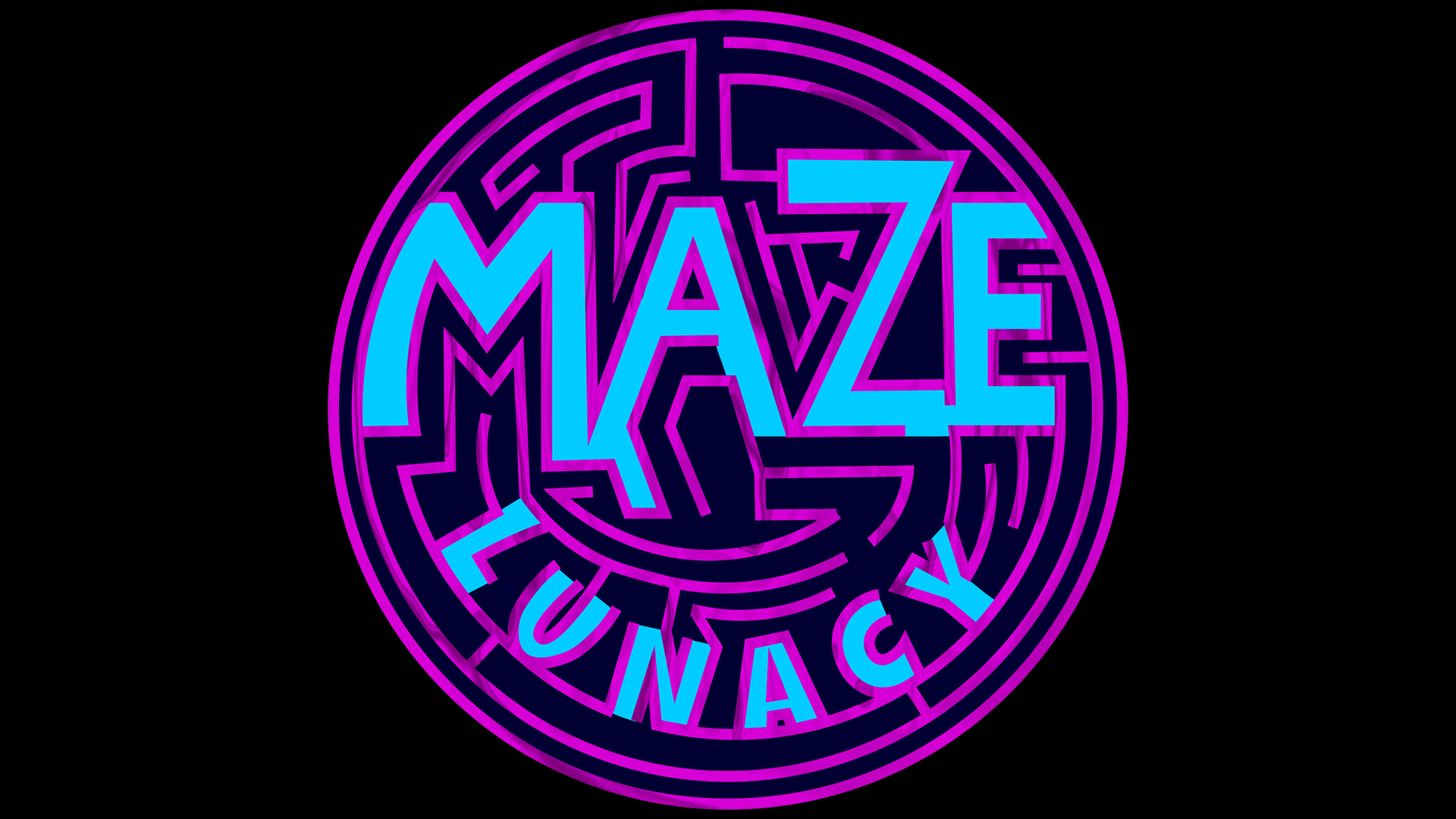
Maze Lunacy is a multiplayer party race game featuring amigurumi-themed characters. The name was chosen to directly reflect the core gameplay: "Maze" identifies the primary environment, while "Lunacy" captures the chaotic and fast-paced nature of a party game.

Target Audience: Ages 18–25 (Casual Party)
Maze Lunacy Sketches

Maze Lunacy - Process

Maze Lunacy Sketches

Maze Lunacy - Final Product

GAIA

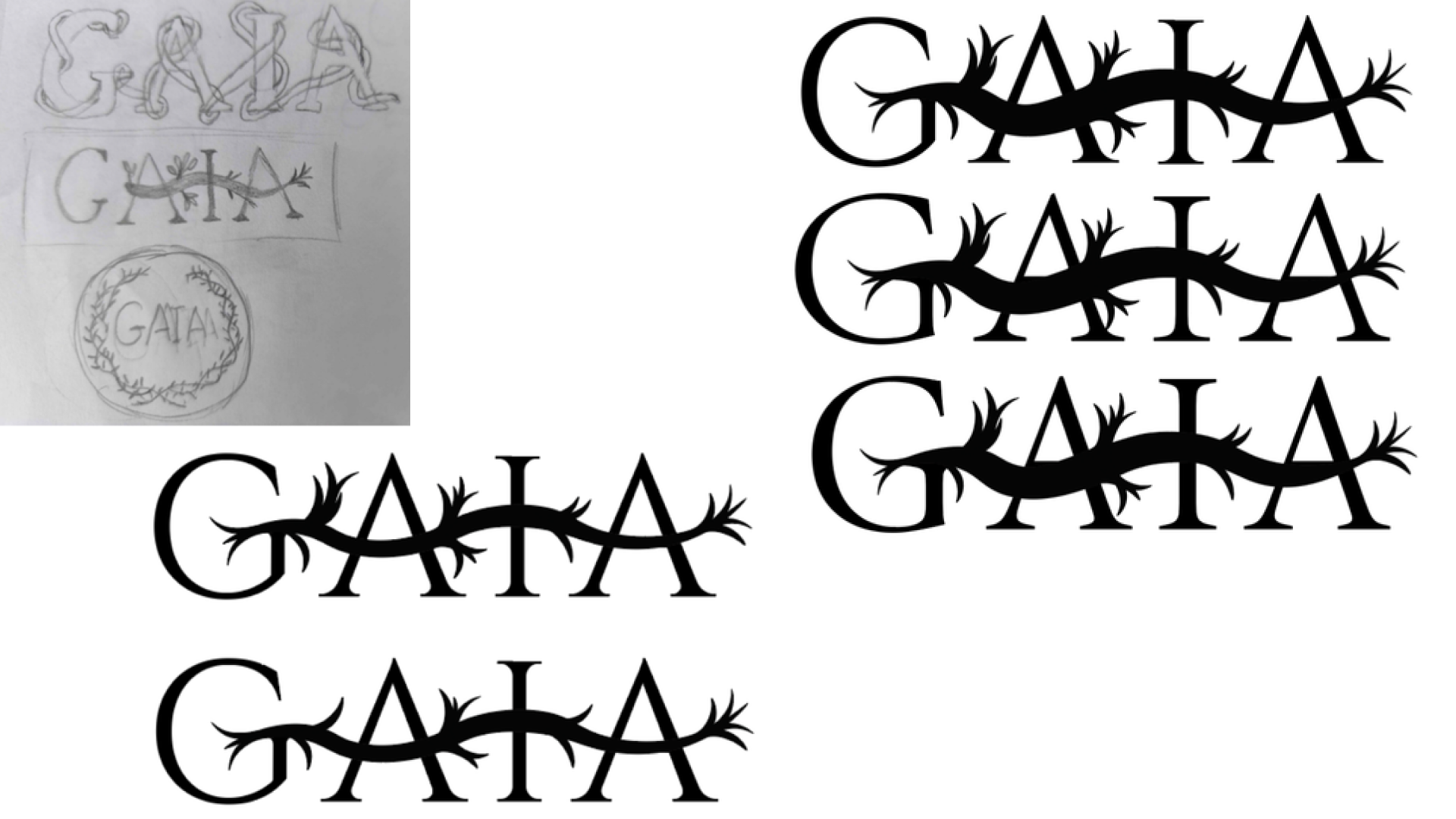
Gaia is a story-driven game centered around the Earth goddess of the same name. The name was chosen to immediately introduce the main character and the mythological setting through organic root and branch typography.

Target Audience: Ages 25–30 (Narrative Fantasy)
Maze Lunacy Sketches

Gaia - Process

Maze Lunacy Sketches

Gaia - Final Product

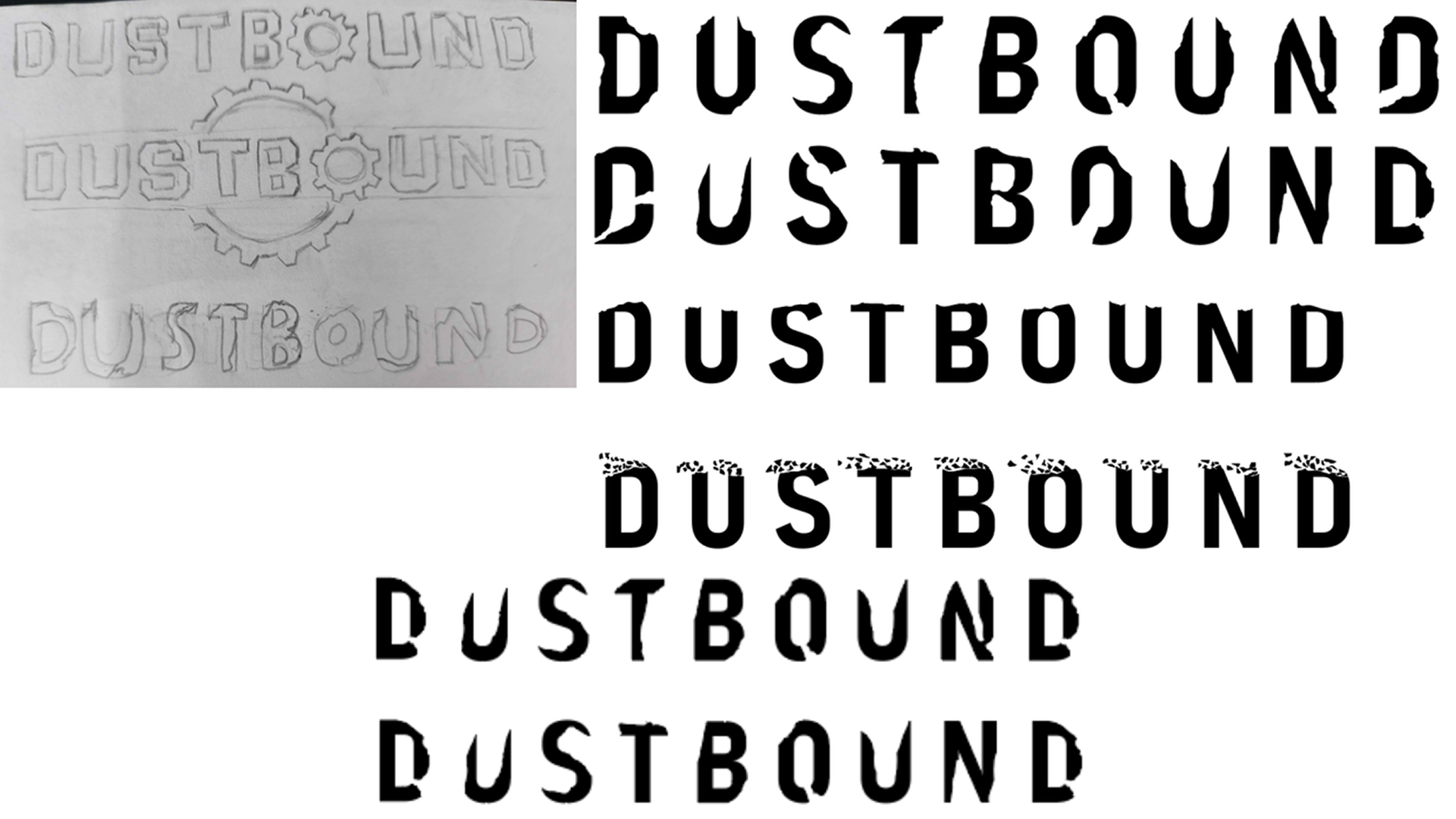
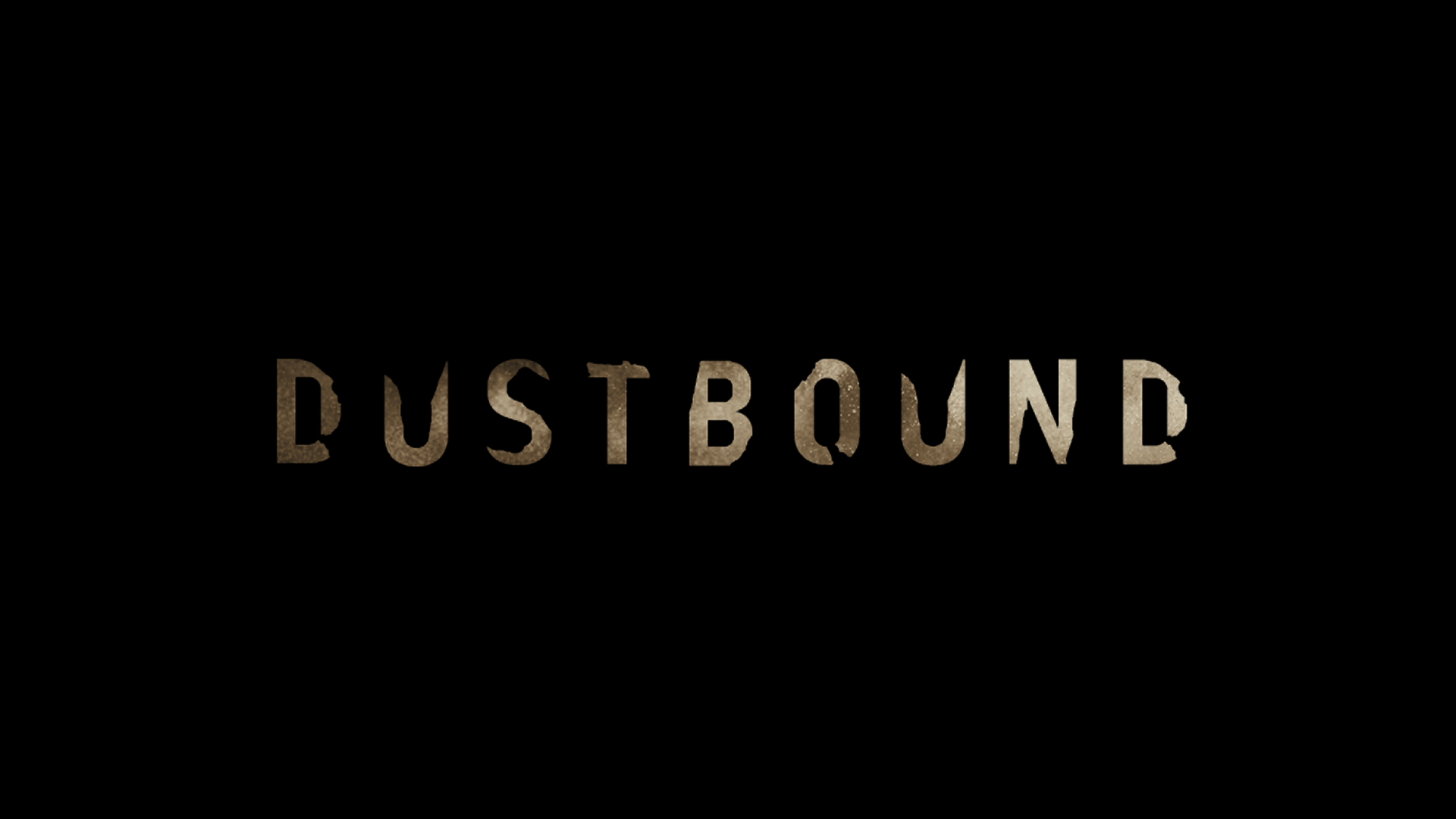
DUSTBOUND

Dustbound is a dystopian survival game where players navigate a dust-covered world, scavenging for scrap to survive and rebuild civilization. The distressed stencil typography reflects the harsh, eroded reality of a post-apocalyptic environment.

Target Audience: Ages 20–25 (Survival / Resource Mgmt)
Maze Lunacy Sketches

Dustbound - Process

Maze Lunacy Sketches

Dustbound - Final Product

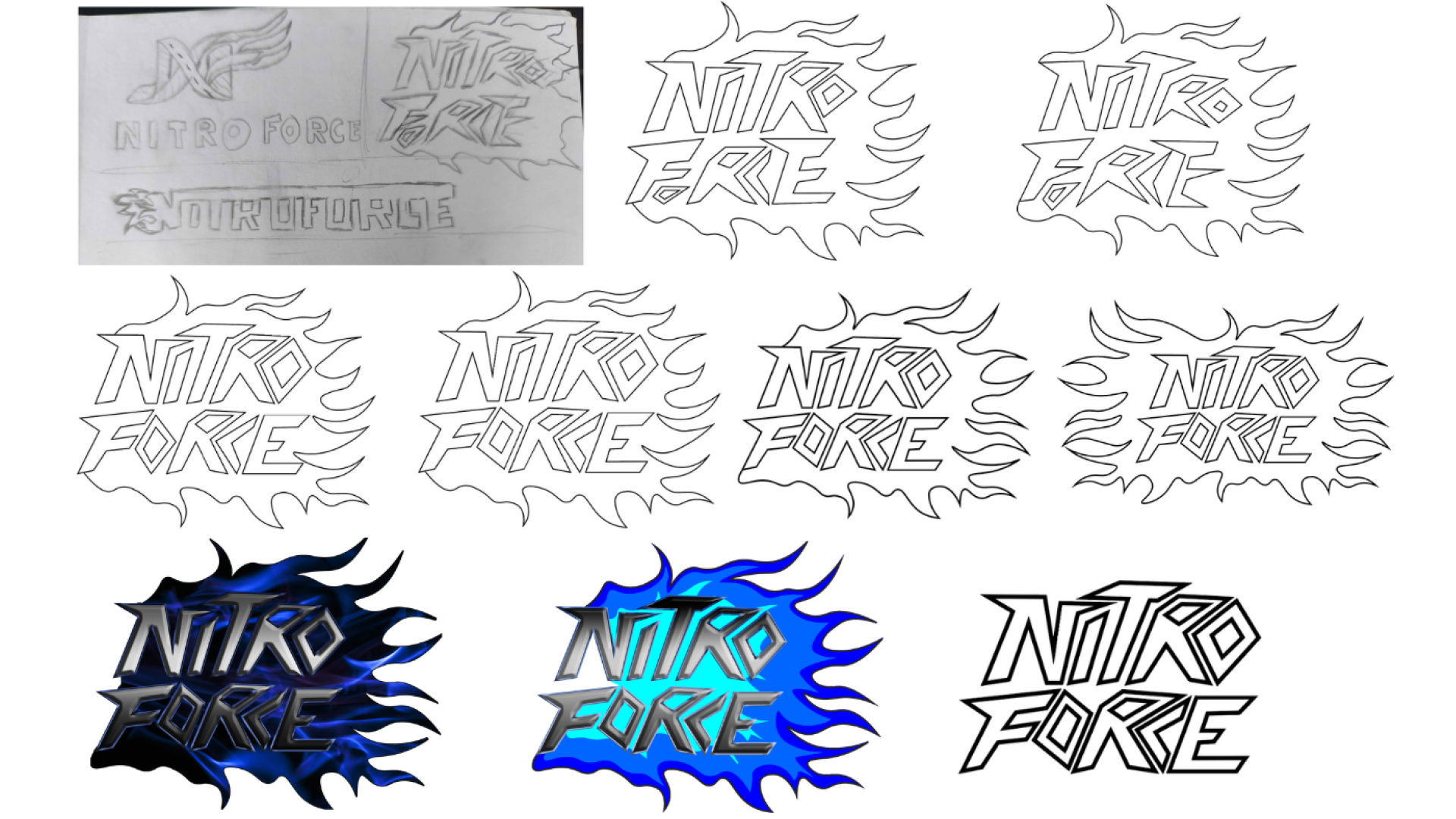
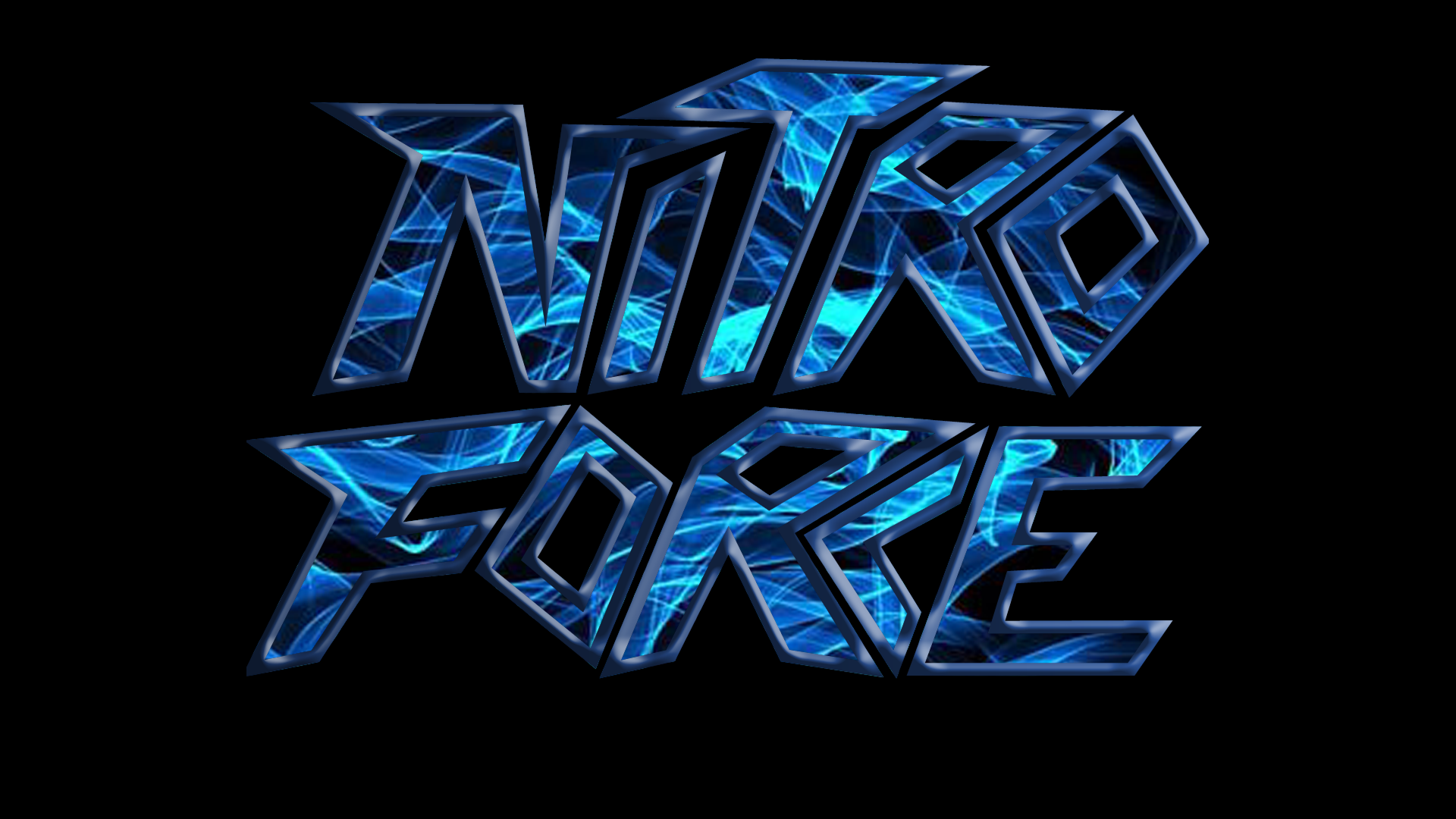
NITRO FORCE

Nitro Force is a racing game focused on high-speed mechanics. The name and sharp, forward-leaning metallic letterforms were designed to highlight momentum, flames, and raw vehicle power.

Target Audience: Ages 15–20 (Competitive Racing)
Maze Lunacy Sketches

Nitro Force - Process

Maze Lunacy Sketches

Nitro Force - Final Product

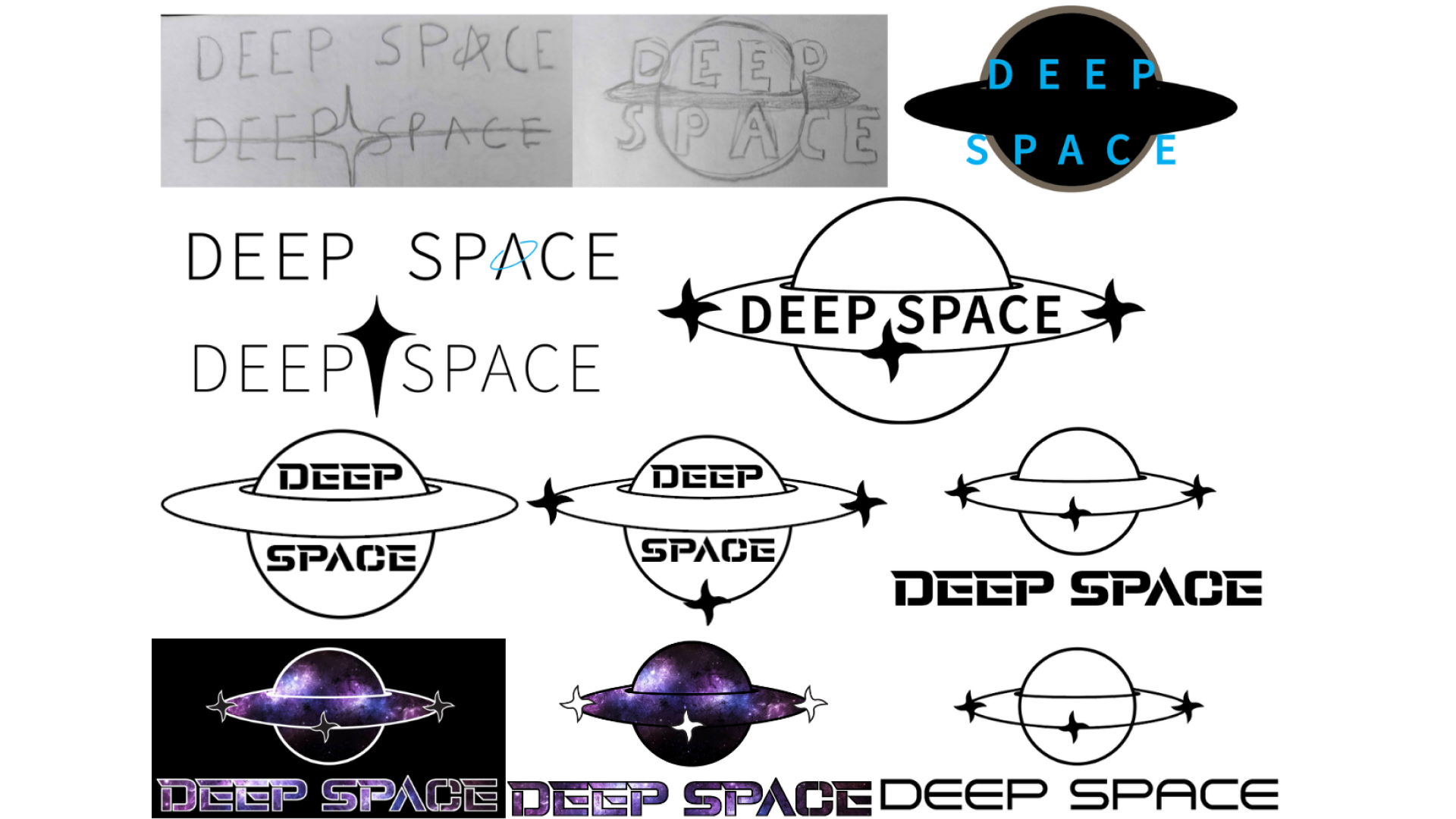
DEEP SPACE

Deep Space is a game centered entirely around space exploration. The ringed planet silhouette, four-point stars, and wide sci-fi typography directly state the vast, unknown setting of the universe where gameplay takes place.

Target Audience: Ages 30–35 (Sci-Fi Discovery)
Maze Lunacy Sketches

Deep Space - Process

Maze Lunacy Sketches

Deep Space - Final Product